


Step Form
The step form component guides users through completing complex forms step by step. Features include:
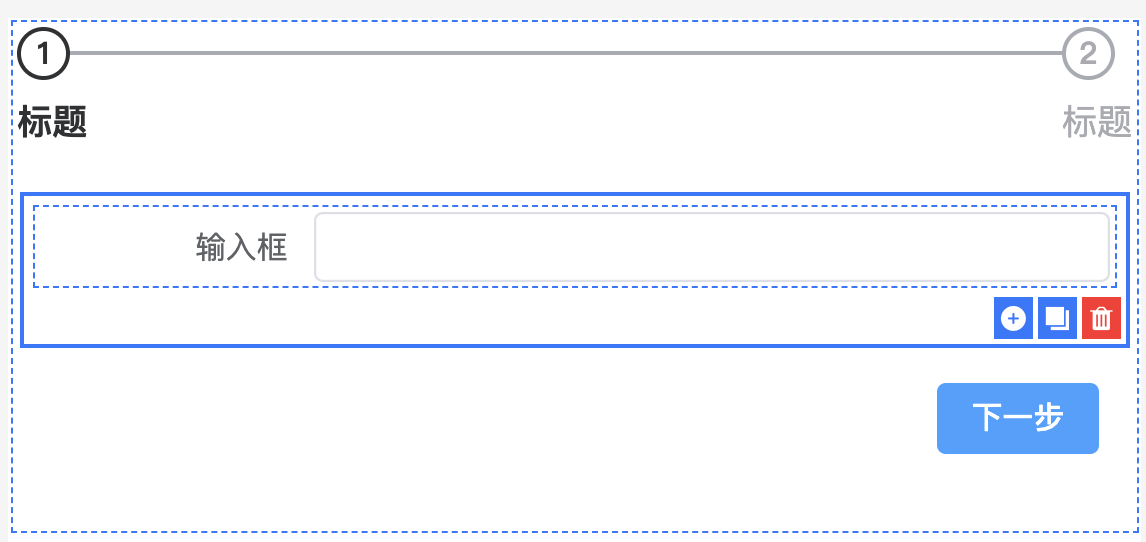
Step-by-Step Input: Fill out forms through multiple steps, with each step displaying only part of the form content to reduce complexity.
Step Navigation: Provides user-friendly navigation prompts, showing current step and allowing easy navigation between steps.
Step Validation: Supports data validation at each step, ensuring each step's input meets expectations before proceeding to the next step.
Custom Components: Form content in each step can be customized to meet business needs, supporting various input components such as text boxes, dropdowns, date pickers, etc.
Data Summary: In the final step, users can see a summary of all entered data and perform final confirmation and submission.