


Clear Button Show/Hide
1. Overview
Display a clear icon (e.g., "×") inside the input box. Clicking it clears the entered content.
2. Use Cases
- Quick Reset: When users enter incorrectly, there's no need to manually delete all content (e.g., search boxes, filter conditions).
- Space Optimization: Hide clear button to reduce interface elements, suitable for mobile devices or compact layouts.
3. Configuration Entry
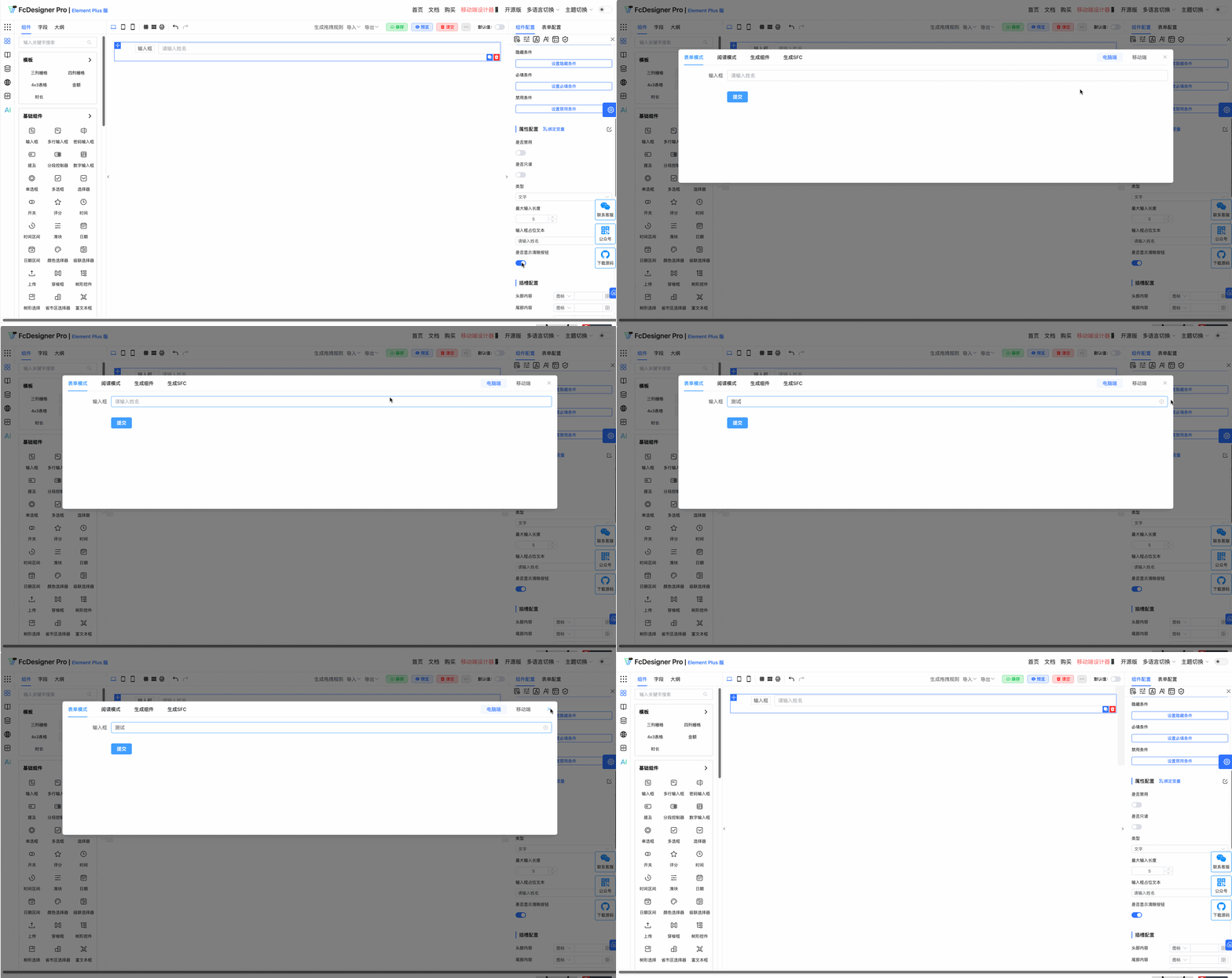
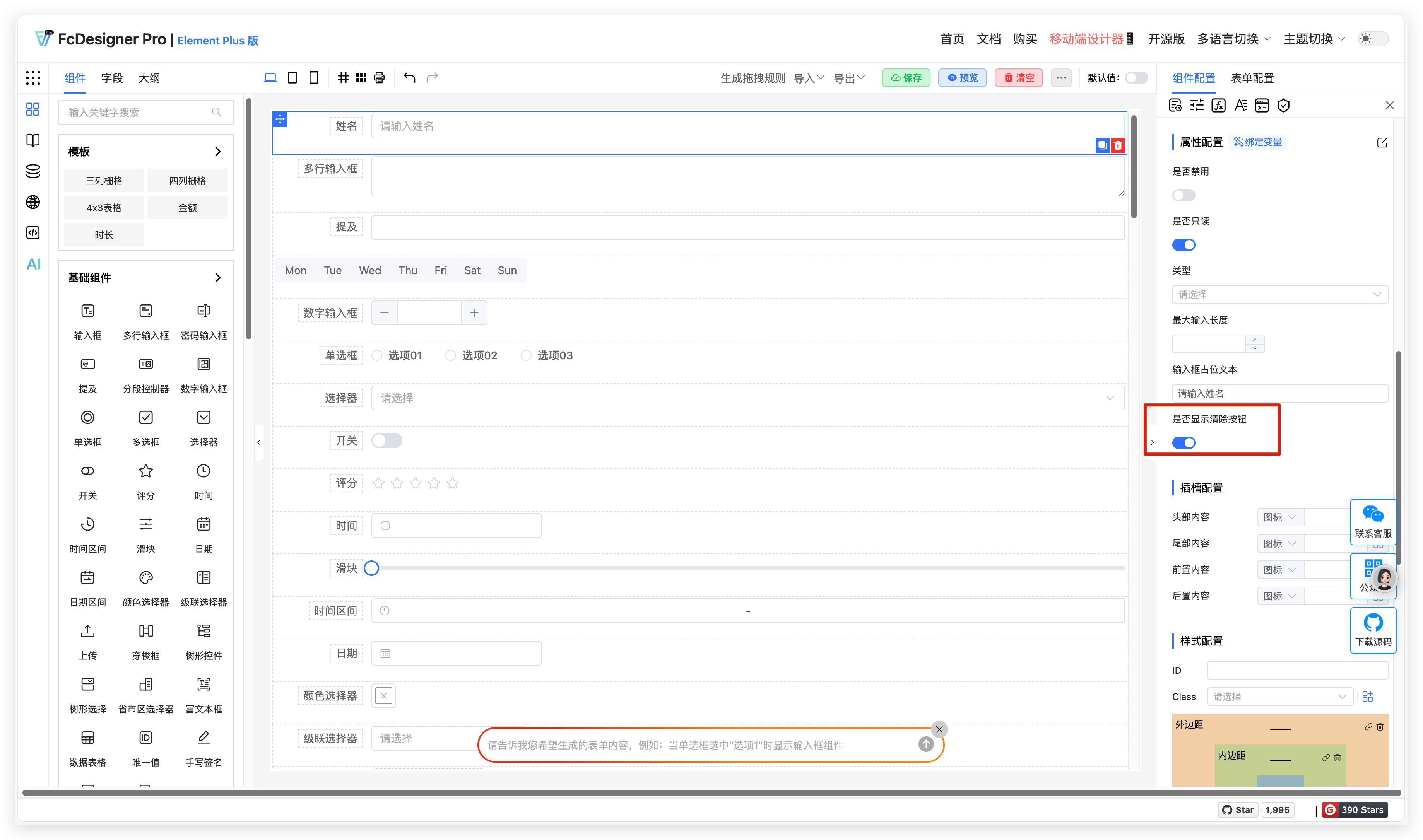
Clear button show/hide is set in "Component Configuration >> Property Configuration":
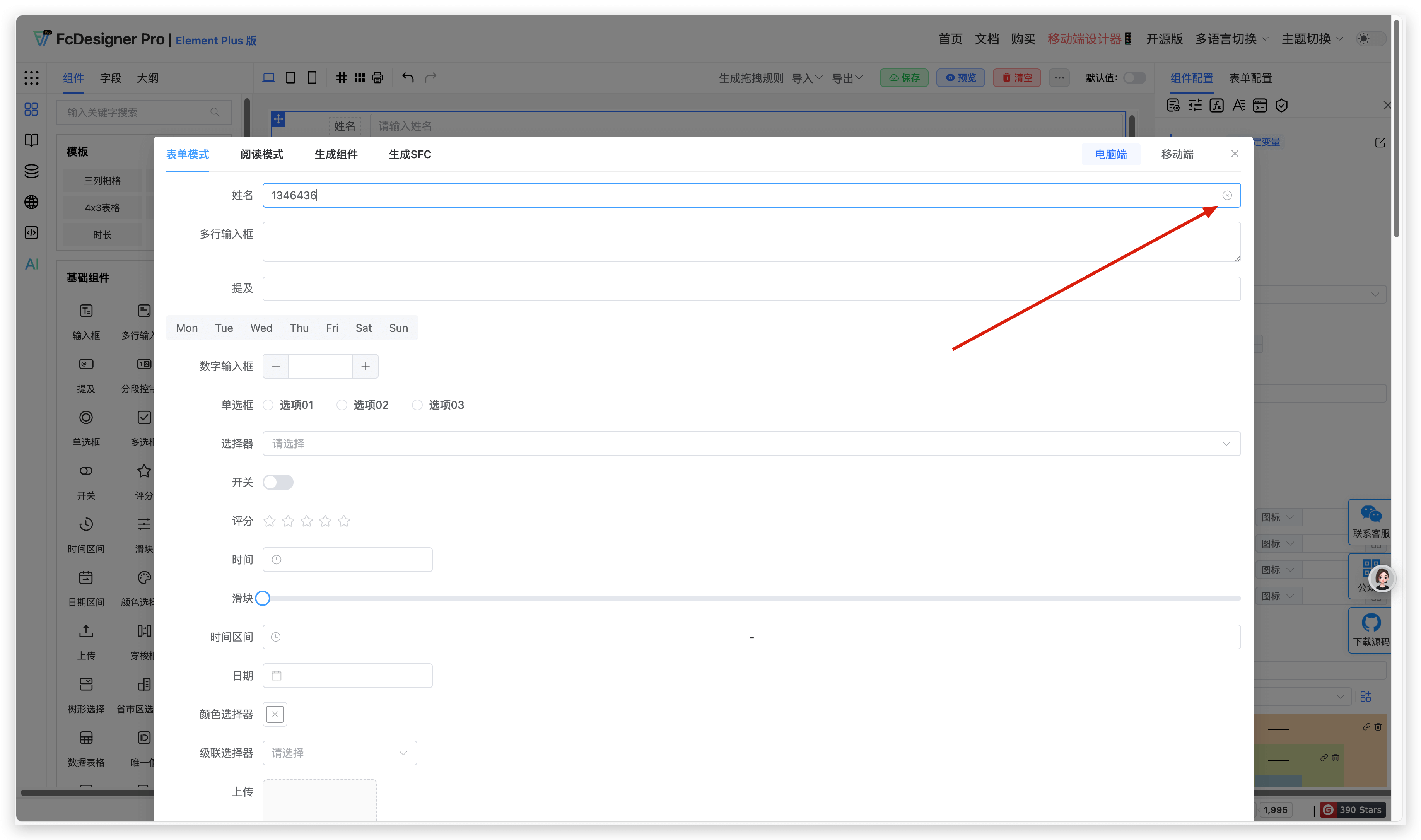
The effect after enabling the clear button is as follows:
4. Supported Fields
Only text box, textarea, mention, number input, select, time, time range, date, cascader, tree select, province-city-district picker, rich text editor, and sub-form selector support clear button settings.