Form Design
1. Introduction
1.1 Overview
FcDesigner is a low-code visual form designer tool based on Vue that uses data-driven rendering. Forms can be quickly created through drag-and-drop, improving developer efficiency and saving time. It is widely used in government systems, OA systems, ERP systems, e-commerce systems, process management, and other fields.
1.2 Use Cases
Daily work scenarios involving data entry, such as data reporting, registration, applications, information collection, etc., can all be implemented through forms.
2. Form Design Steps
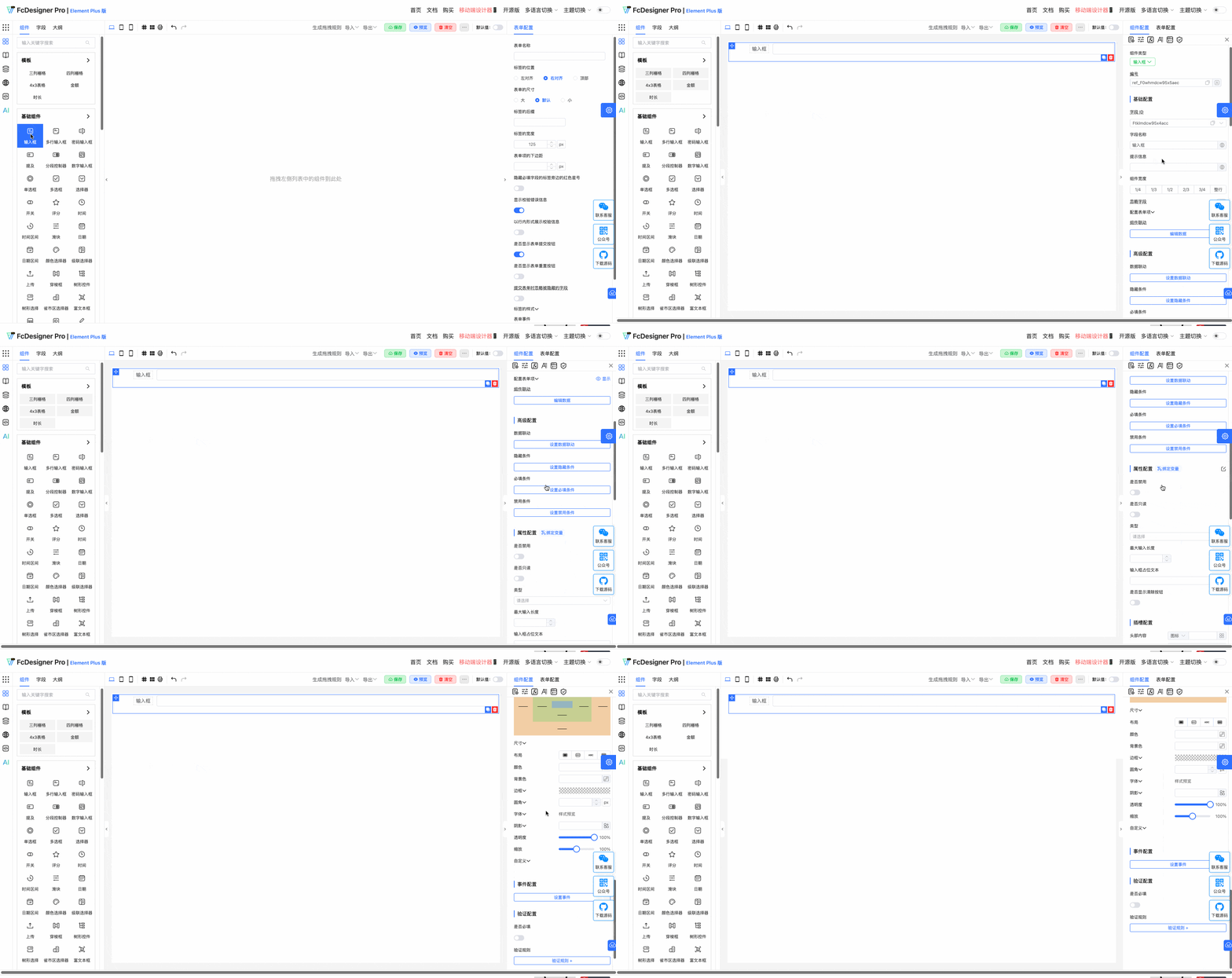
Form design mainly consists of 3 steps:
2.1 Add Components
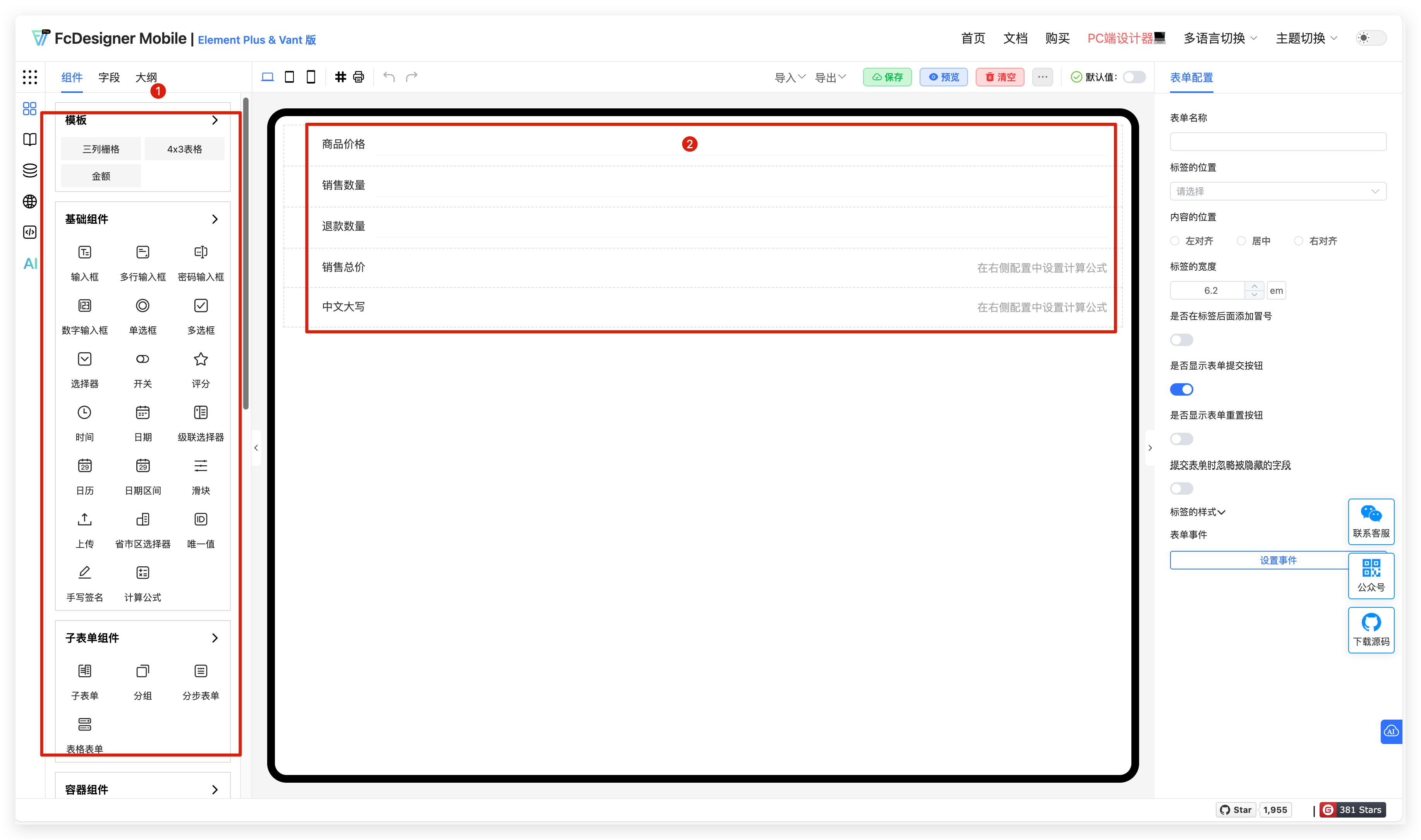
Drag the required components from the left field panel to collect data and information. The field name is the name of the data to be collected, and the field box is where data is entered.
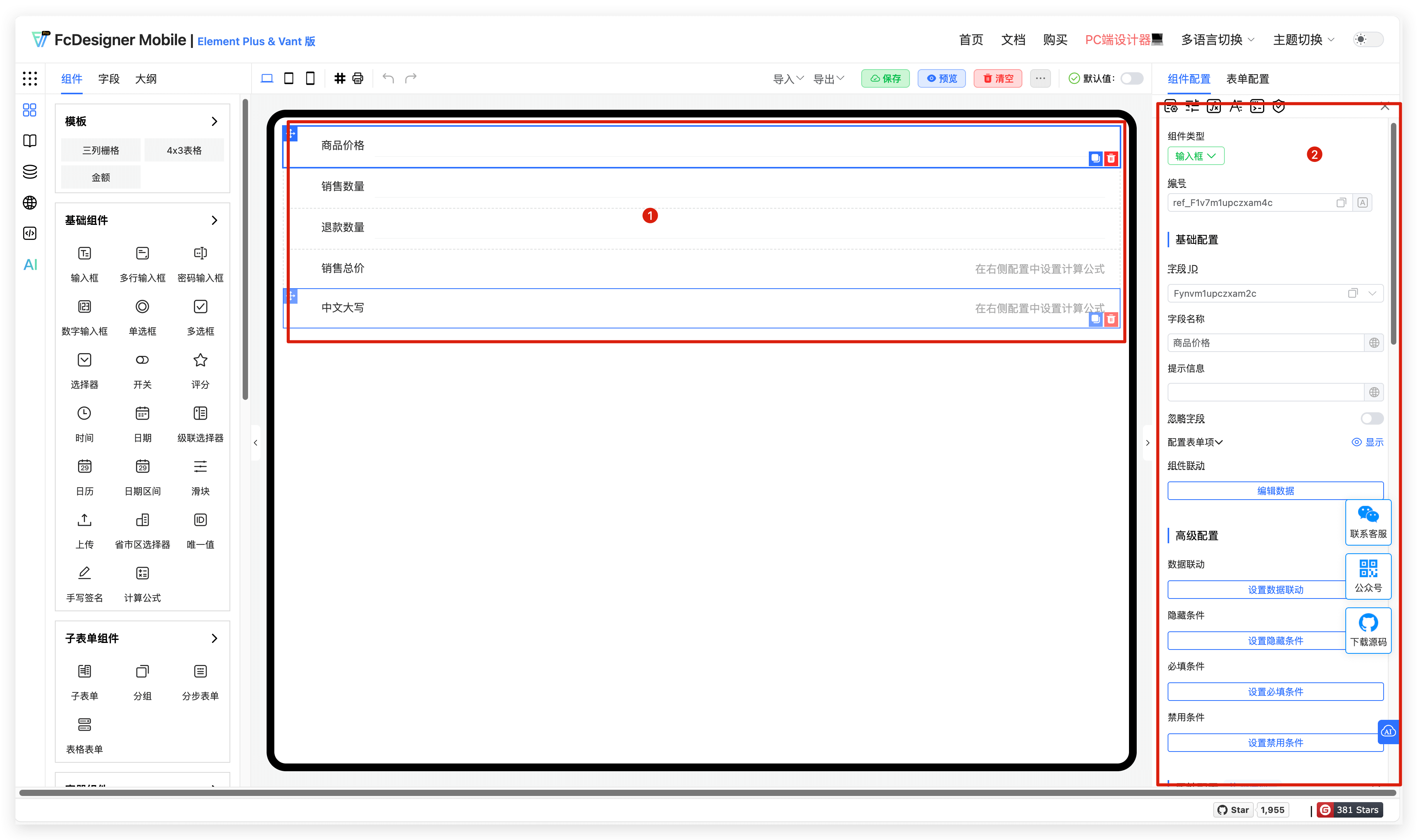
2.2 Set Component Properties
Select a field to set component properties, such as modifying the field title, adding hint text, setting field validation, configuring visibility permissions, adjusting field width, etc. This makes the data collection process more convenient.
2.3 Set Form Properties
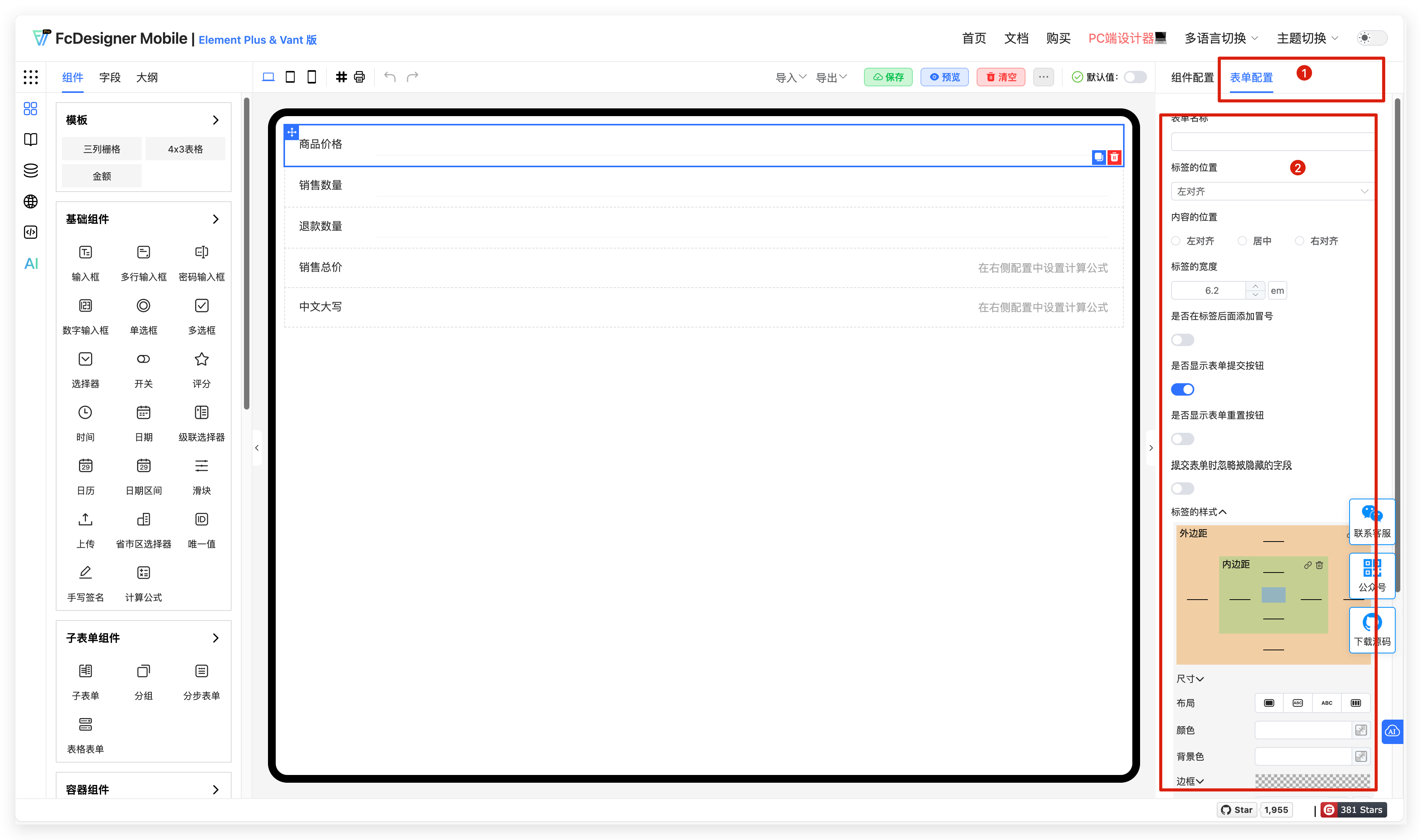
In form properties, you can set form name, label position, content position, label width, button show/hide, submit form ignore hidden fields, label style, and form events.
3. Field Copy and Delete
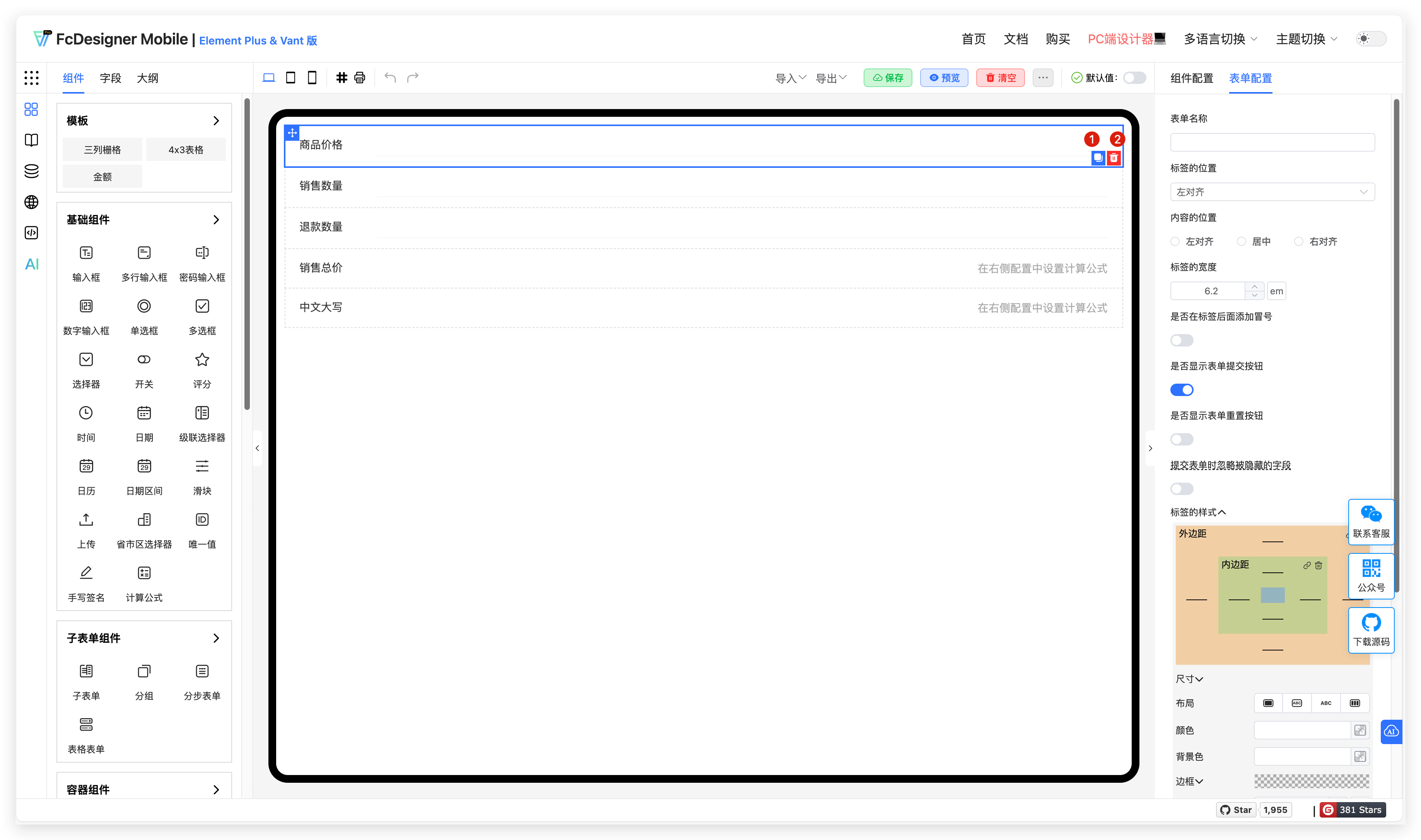
After adding field components, copy and delete operations are supported;
The copy button will create a new copy of the same field, and property information in component configuration will also be copied;
Delete removes unnecessary component fields.
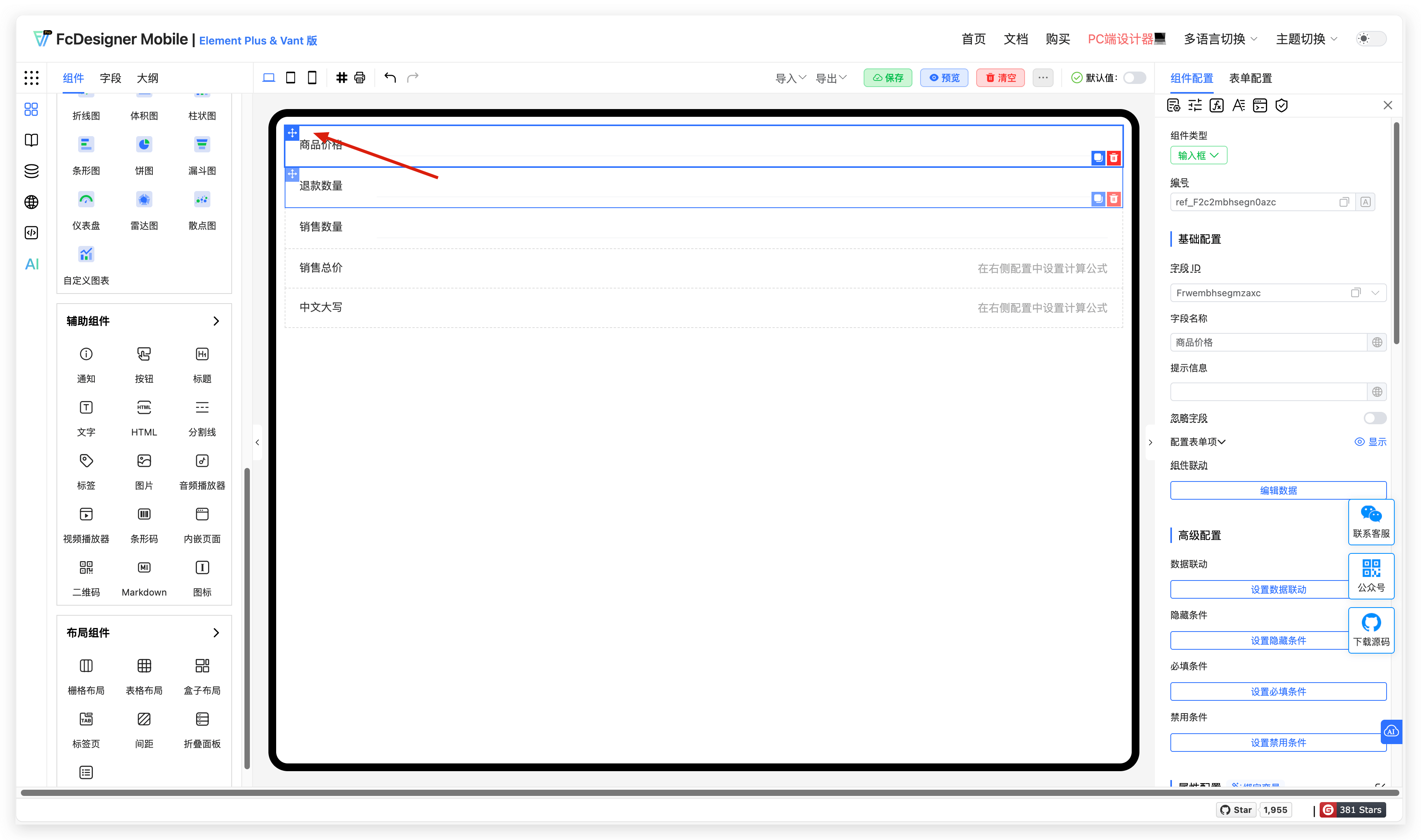
4. Field Drag and Sort
Supports dragging fields to adjust order.