Logical Conditions
1. Overview
Logical condition settings are used in advanced configuration for conditional rules, including component linkage, data linkage, hide conditions, required conditions, and disabled conditions.
2. Configuration
2.1 Difference Between AND and OR in Condition Settings
- AND: All conditions must be met simultaneously (e.g., "user is enterprise user and has filled in company name"). Results are stricter, suitable for multiple validation scenarios.
- OR: Any one condition needs to be met (e.g., "user selects express delivery or pickup"). Meeting one is sufficient to trigger. Results are more flexible, suitable for flexible selection scenarios.
Quick tip: AND means "all required", OR means "choose one".
2.2 Add Condition
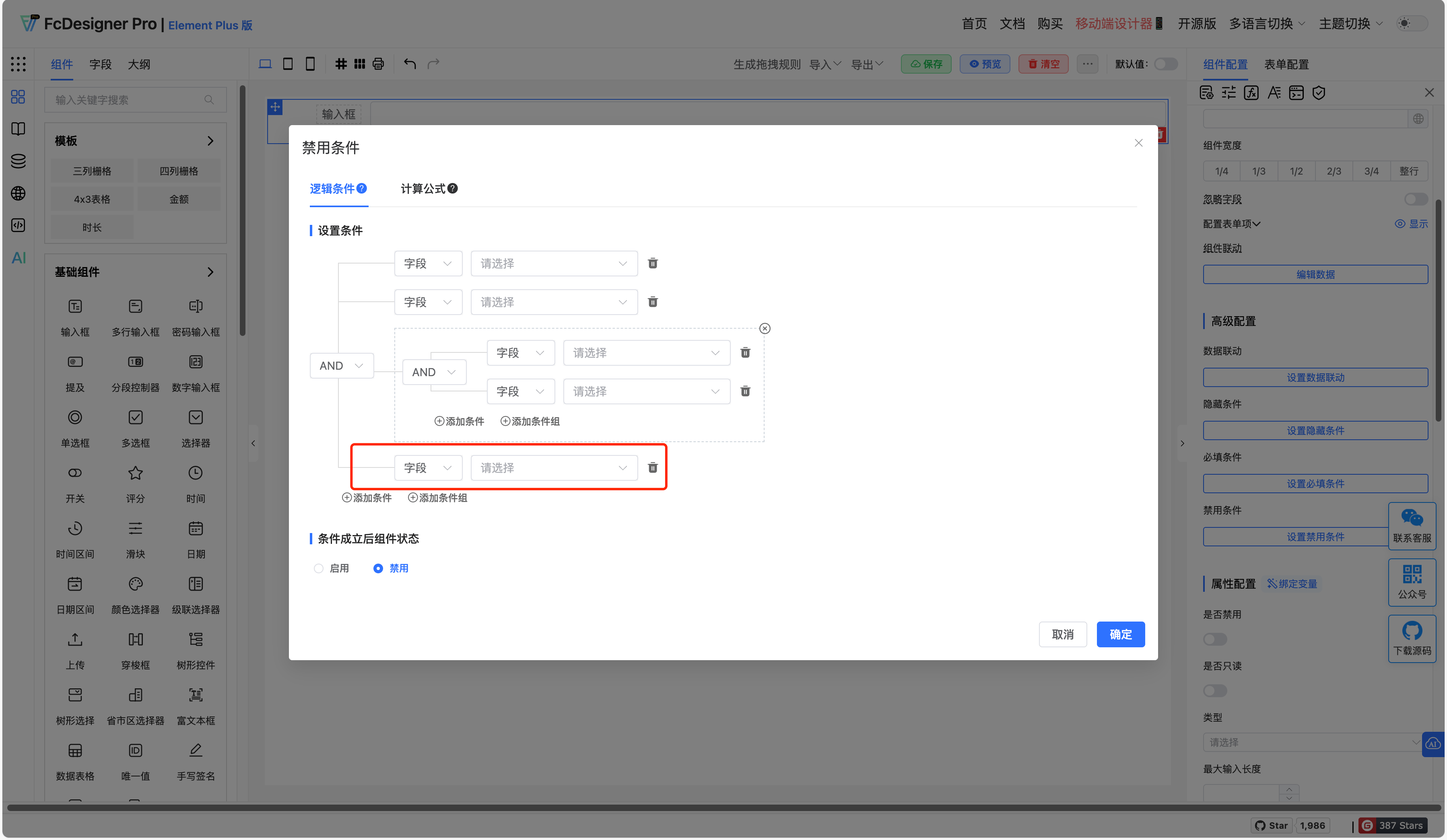
Adding conditions works well for simple, independent rule judgments with clear logic but lower flexibility.
2.3 Add Condition Group
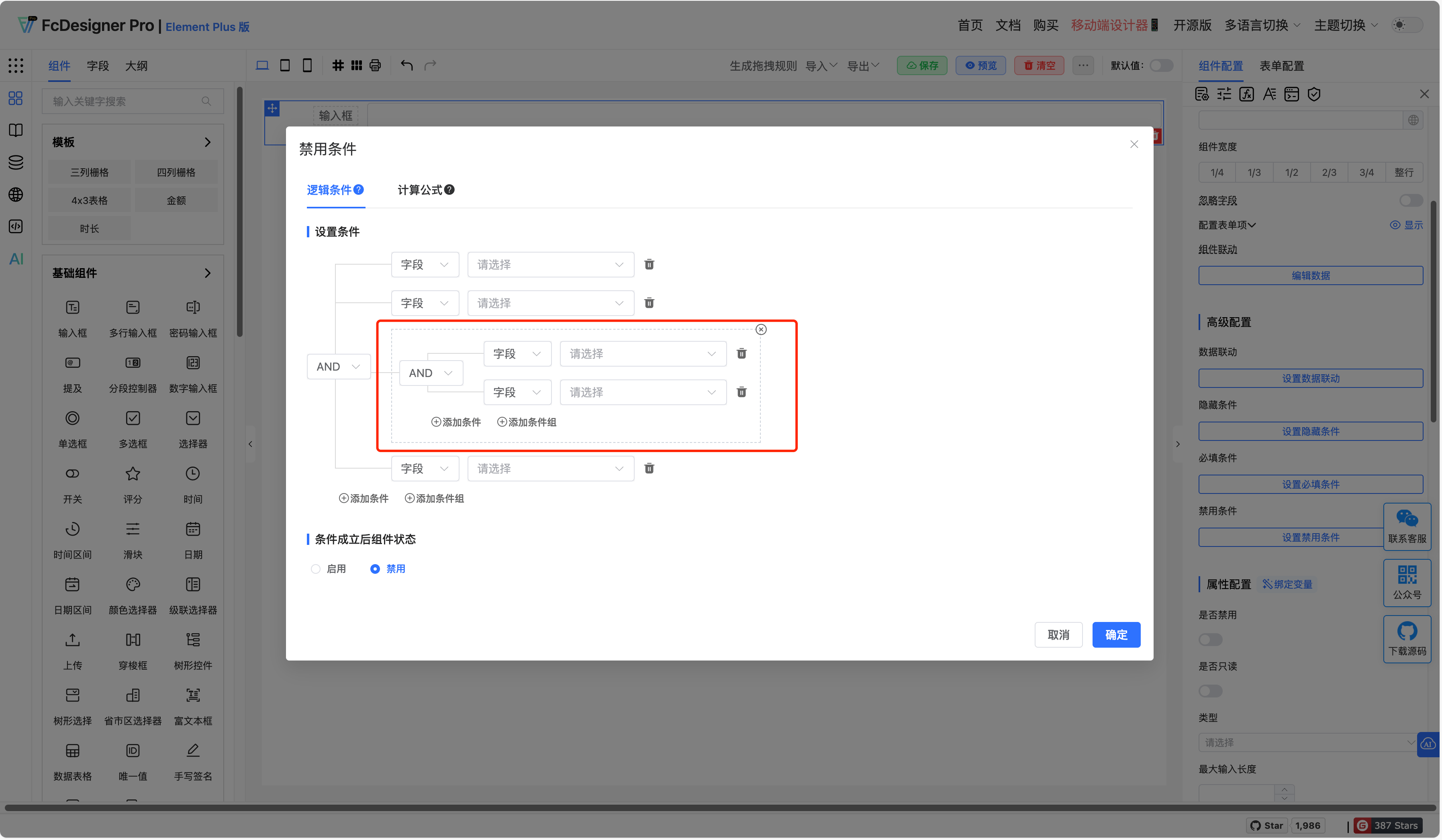
Suitable for complex business logic, achieving multiple validations or alternative solutions through AND/OR combinations. High flexibility but requires careful attention to logical nesting complexity.