


Component Linkage
1. Overview
In form development, linkage operations between components are common and crucial. For example, when an input field's value meets specific conditions, you can dynamically adjust the show/hide state of other components to optimize form interaction. FormCreate provides powerful component linkage functionality. Developers can configure the control configuration item to precisely control component loading, display, disabled, and required states, greatly improving form development flexibility and efficiency.
2. Use Cases
In survey questionnaires, for example, when the customer industry field has "Other" selected, a remarks field needs to be filled. You can set it to show the remarks input box when "Other" is selected, otherwise hide it.
Implement linkage display of phone number and verification code fields in forms: only show the verification code input box when the phone number input is not empty.
3. Expected Result
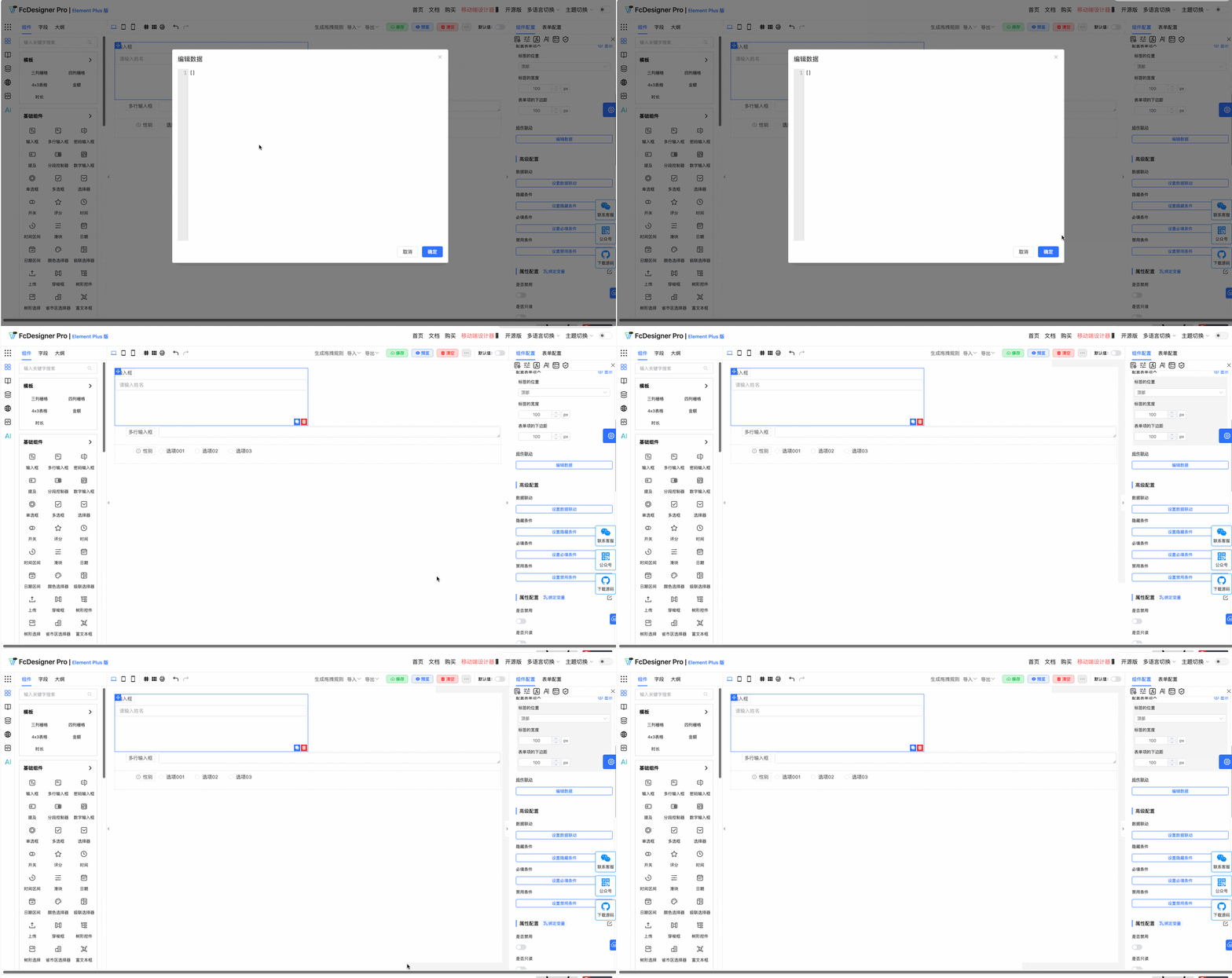
Using phone number verification as an example, the result is shown below:
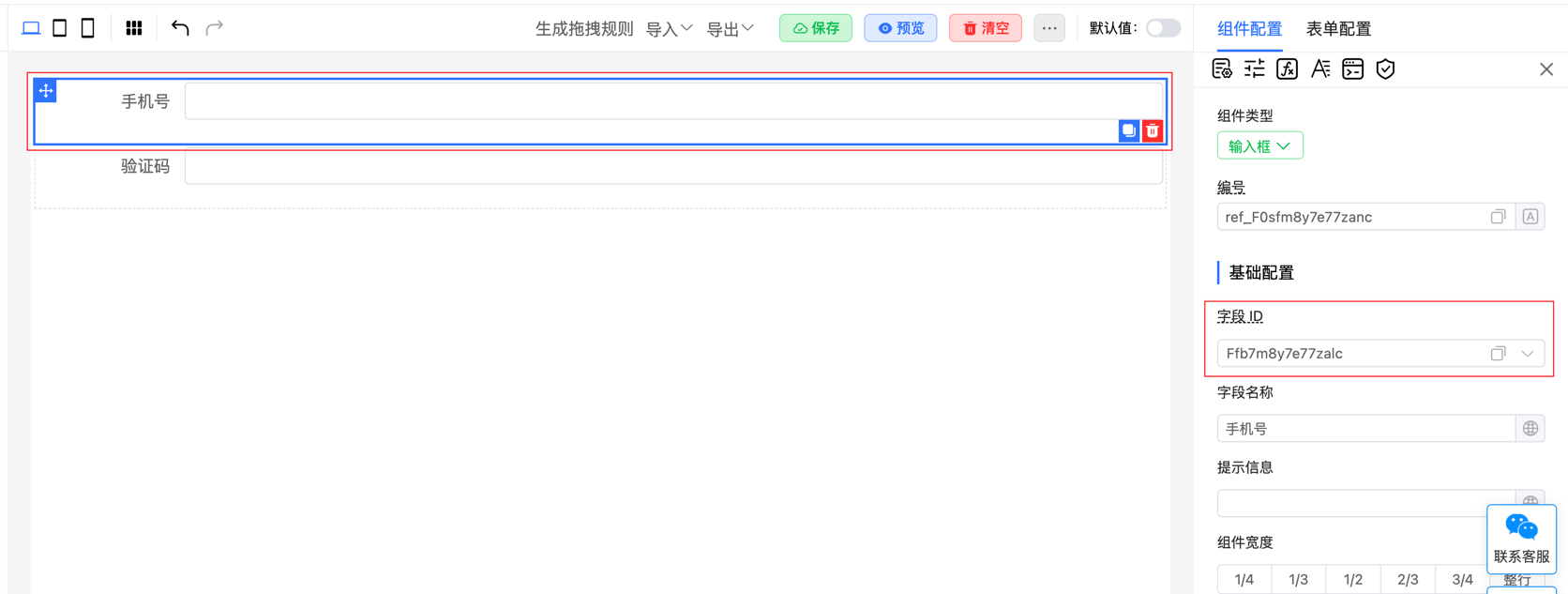
4. Configuration Rules
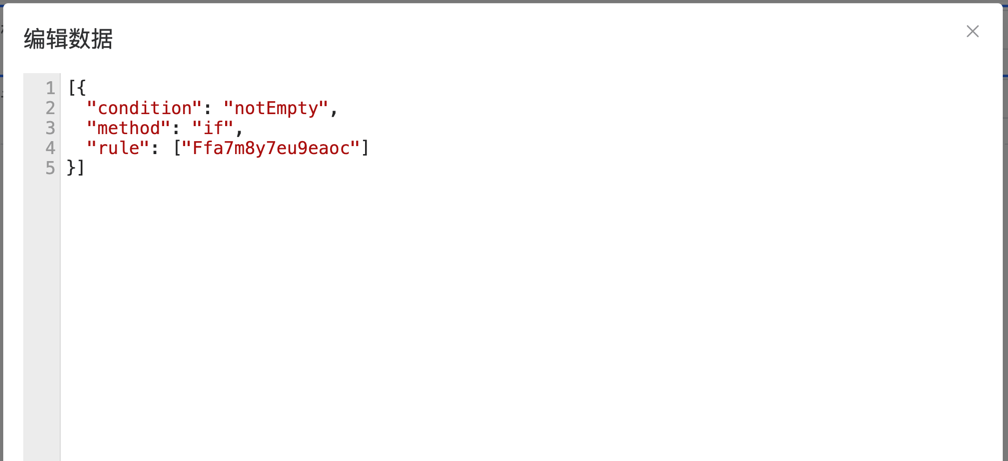
The configuration rules for phone number verification are as follows:
For more component linkage use cases, please refer to the documentation: Component Linkage
5. Examples
Dynamic Form Field Show/Hide
Example 1:
- When users check "Need Invoice", show invoice title, tax number, and other fields;
- When unchecked, hide these fields.
Example 2:
- When users select "Other" as occupation type, show "Other Occupation Description" input box;
- When selecting other options, hide this input box.