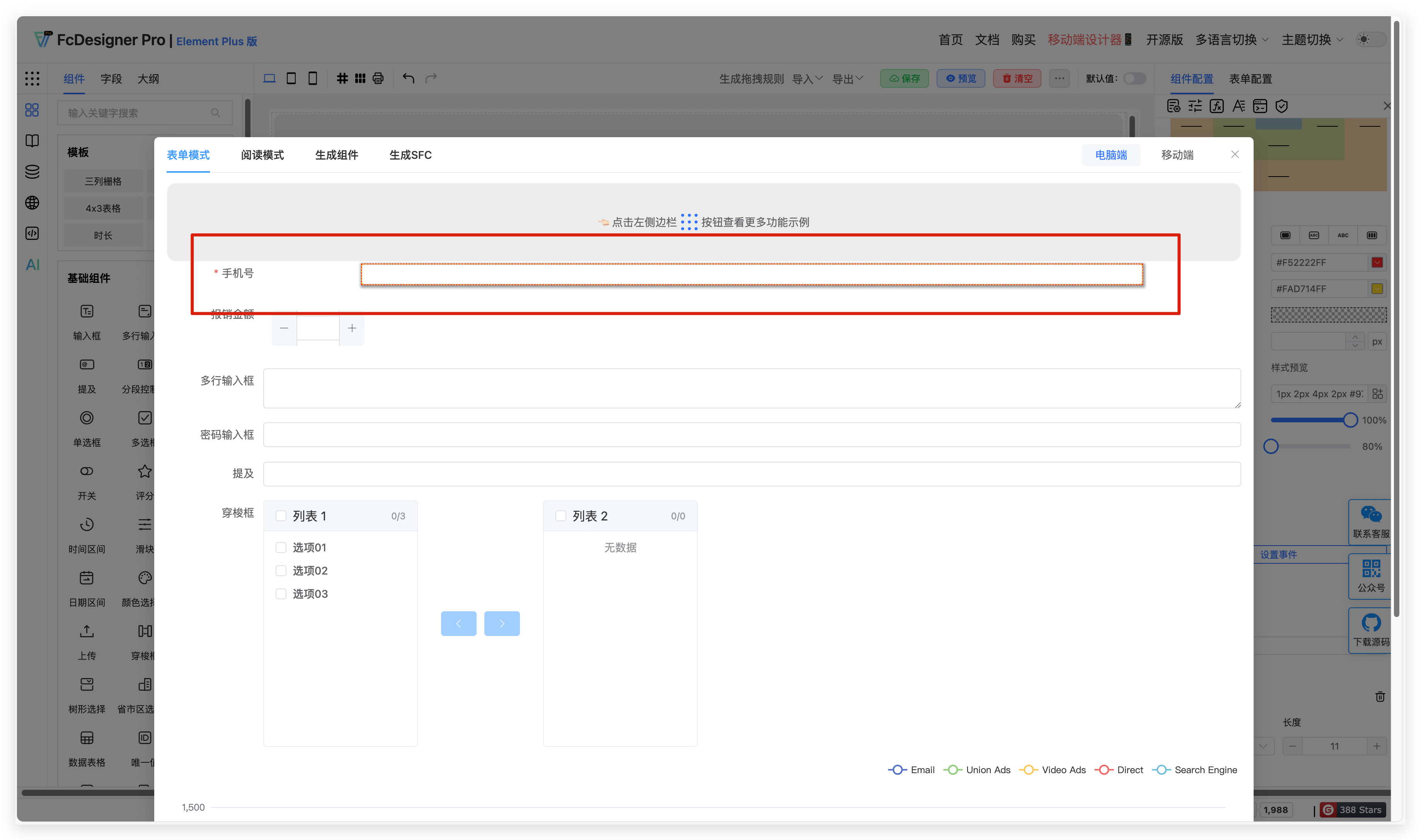
Style Configuration
1. Overview
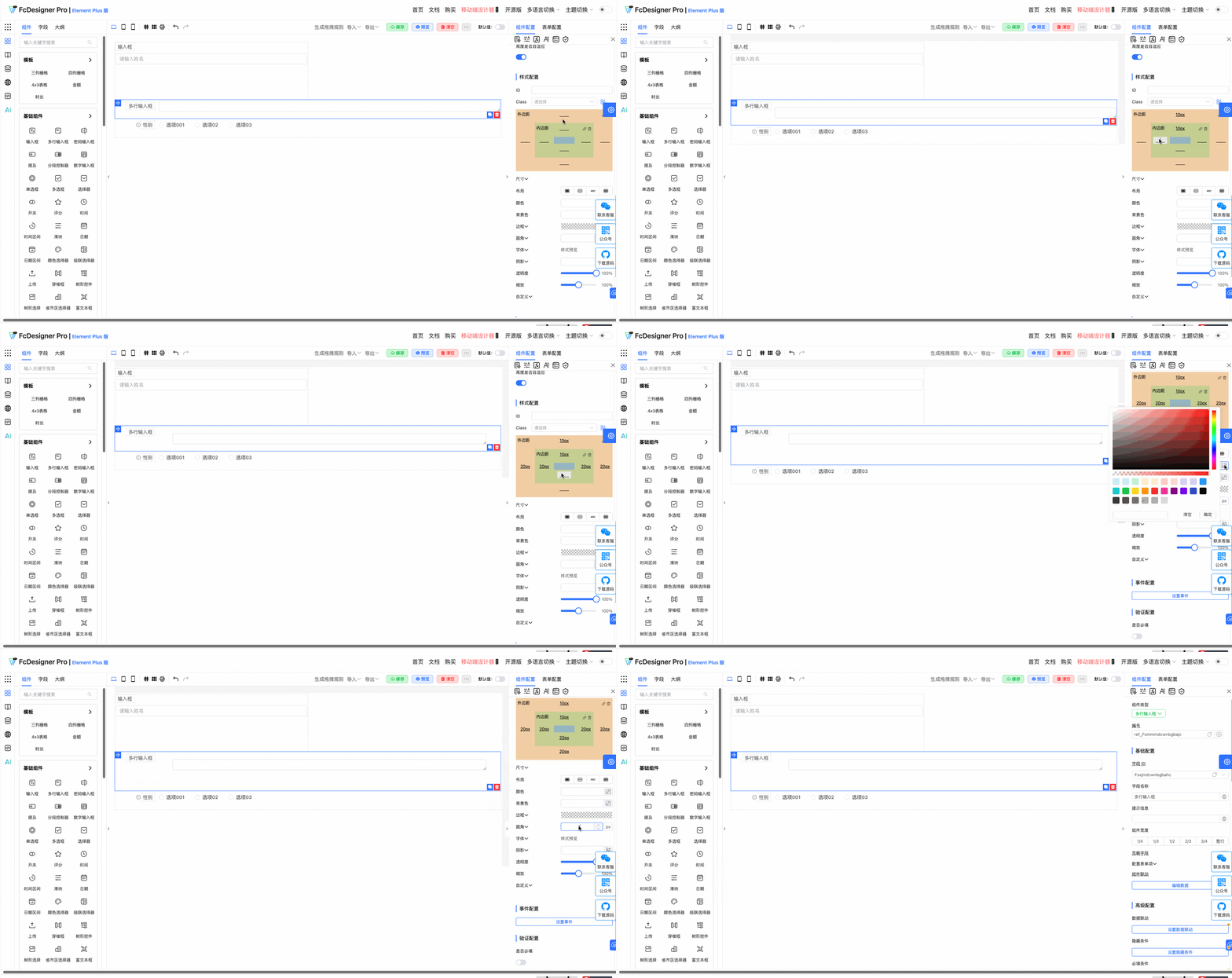
Component styles support highly customizable configuration, including basic styles, visual effects, and extended properties. Users can quickly adjust component appearance through configuration objects or interface tools to meet different design needs.
2. Core Style Configuration Items
| Category | Configuration Item | Description |
|---|---|---|
| Layout & Spacing | margin / padding | Set component outer margin and inner padding, supporting pixel values (such as 10px) or shorthand (such as 5px 10px). |
| Size & Position | width / height | Define component width and height, supporting fixed values (such as 200px) or percentages (such as 50%). |
| Color | color | Set text color (such as #333 or rgba(0,0,0,0.8)). |
| Background | backgroundColor | Set background color or background image (such as #f5f5f5 or url('bg.png')). |
| Border | border | Configure border style, including width (such as 1px), color (such as #ccc), and line style (such as solid, dashed). |
| Border Radius | borderRadius | Set border radius value (such as 4px or 50% to achieve circular shape). |
| Font | fontFamily / fontSize | Define font type (such as Arial) and size (such as 14px). |
| Shadow | boxShadow | Add shadow effect (such as 0 2px 4px rgba(0,0,0,0.1)). |
| Opacity | opacity | Set opacity (such as 0.8 means 80% opaque). |
| Scale | transform: scale() | Supports scaling effect (such as scale(1.1) to enlarge by 10%). |
| Custom Properties | customStyles | Allows extending arbitrary styles through key-value pairs (such as '--custom-var': 'value'). |
3. Configuration
3.1 Global Class Styles
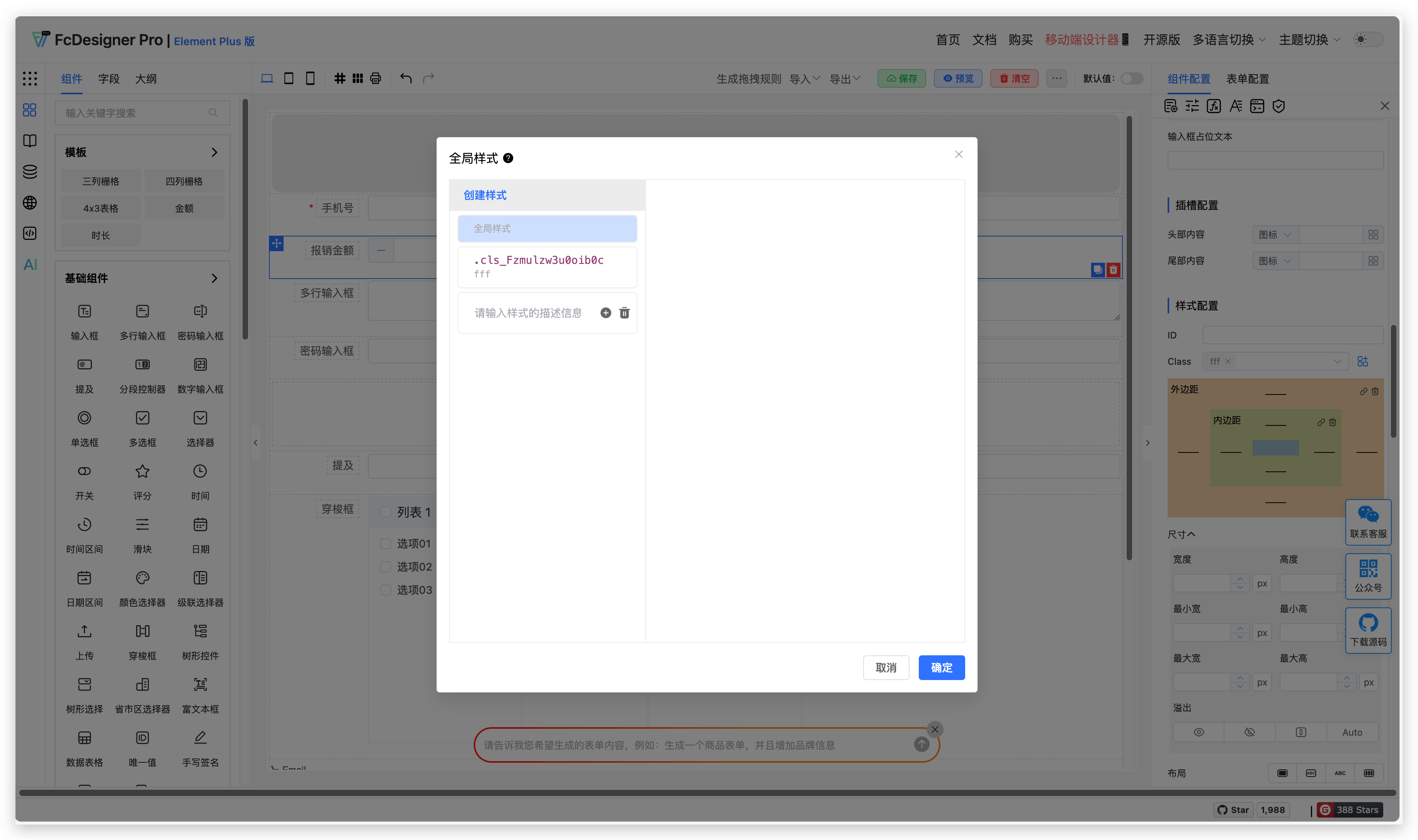
Supports setting global class styles. After writing component styles uniformly, they can be used in multiple components.
3.2 Layout & Spacing
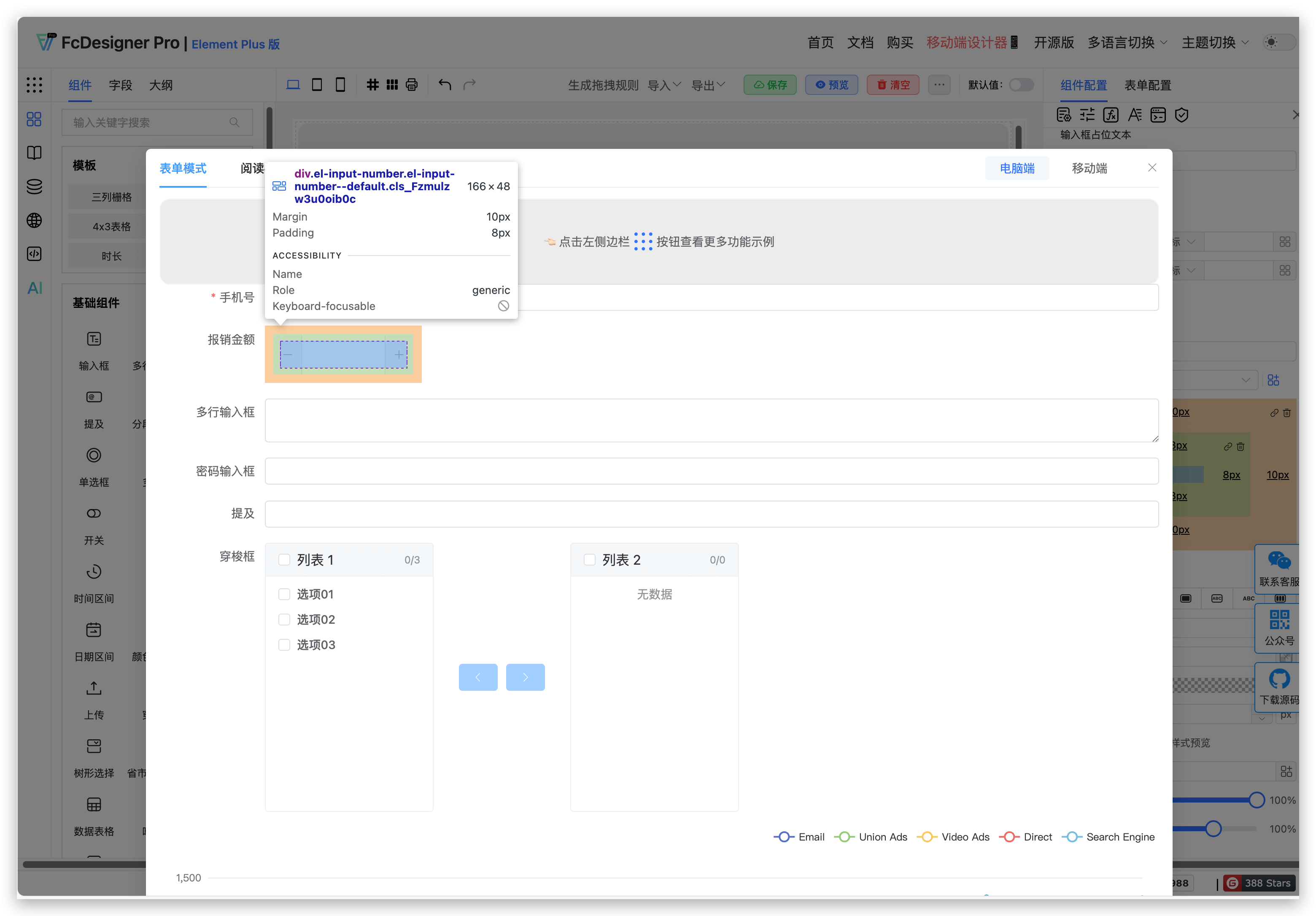
Supports user-defined settings for inner and outer margins. Setting method:
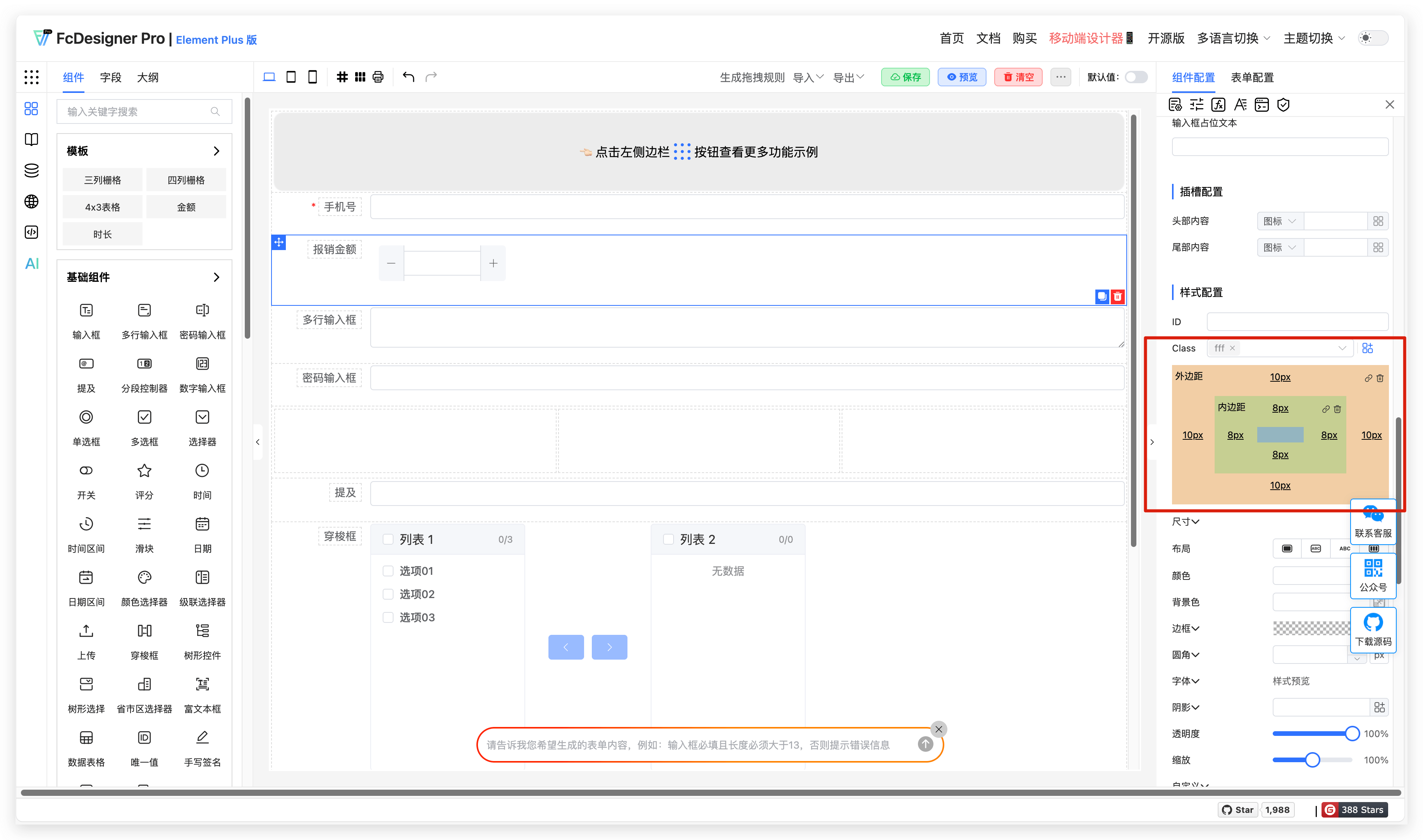
Margin setting result:
3.3 Size
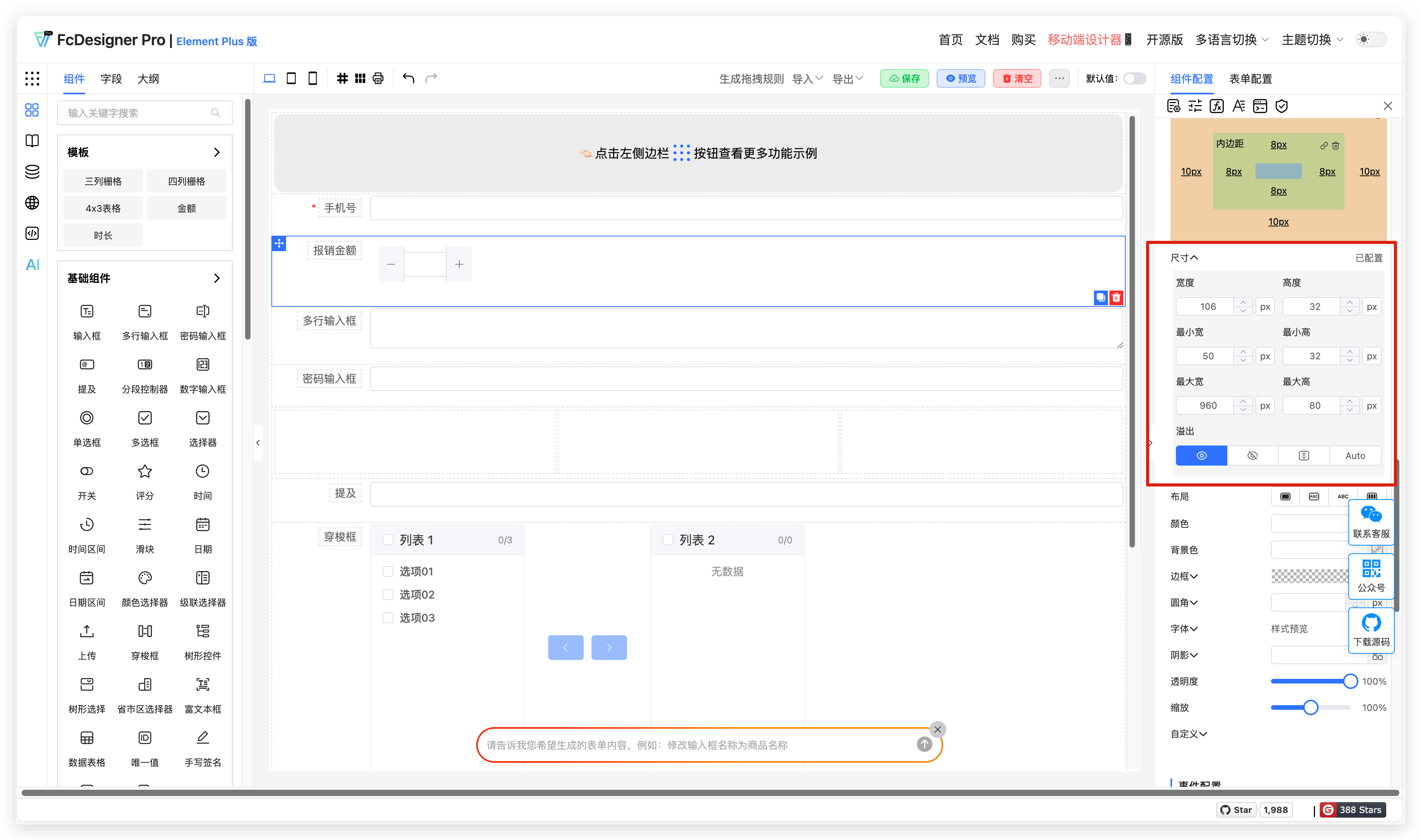
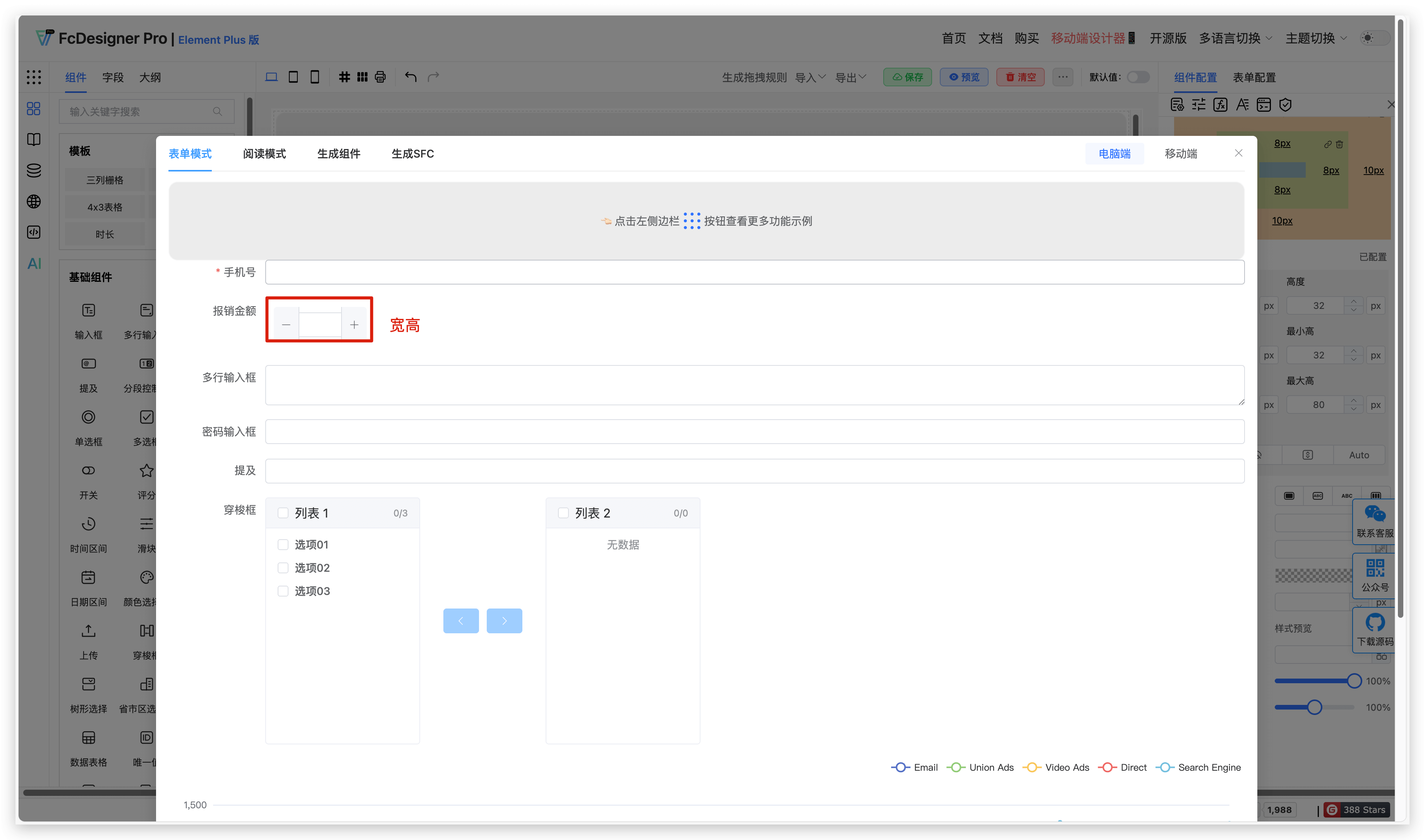
Supports user-defined settings for field component width, height, and overflow handling.
Setting result:
3.3 Other Settings
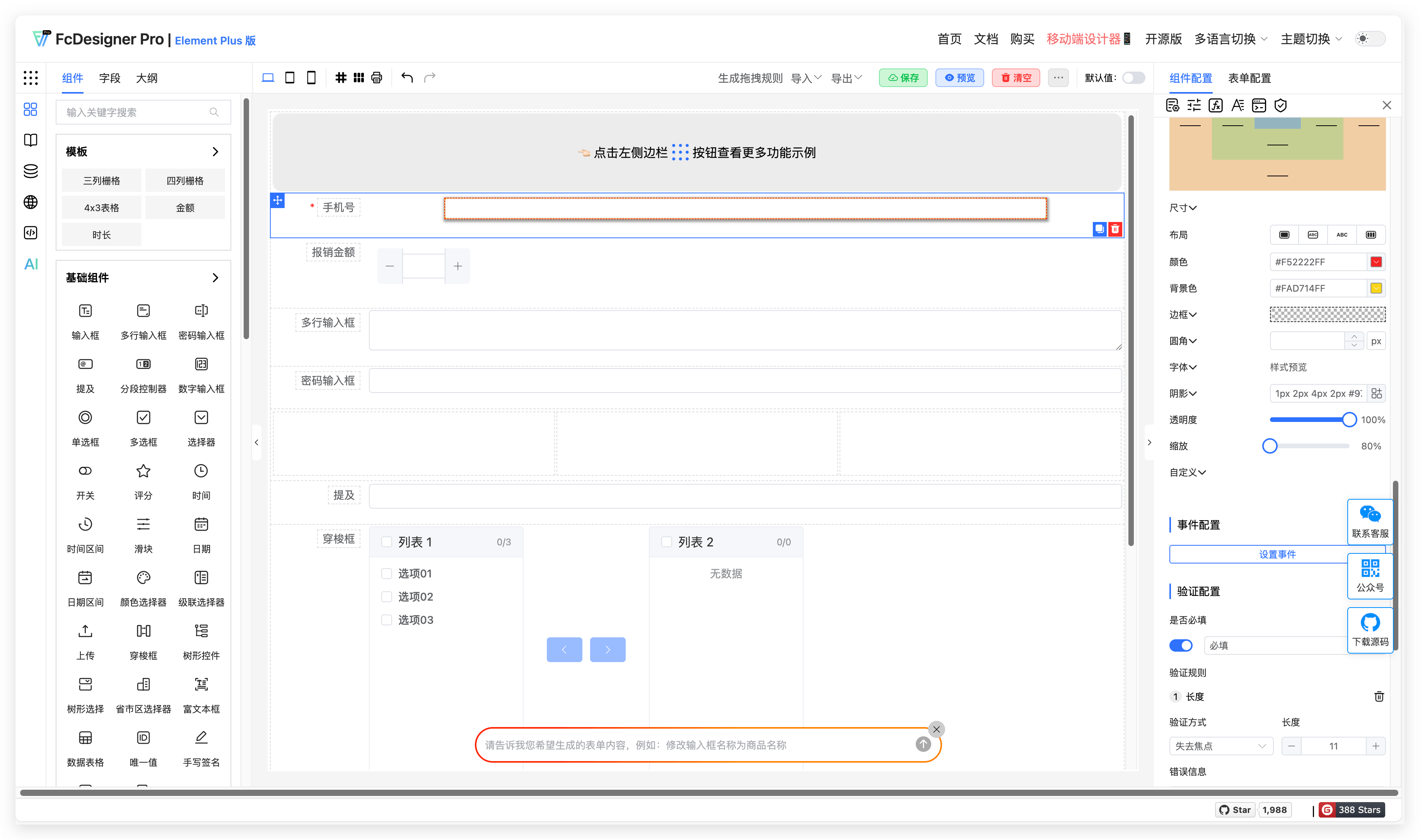
Supports user-defined settings for component layout, color, background color, border, border radius, font, shadow, opacity, scale, etc.
Setting result: