


Hide Condition
1. Overview
Hide conditions are a dynamic form interaction mechanism that controls field visibility based on specific conditions. When user operations or data states meet preset conditions, the system automatically shows or hides corresponding fields, simplifying the form interface and ensuring only necessary information is collected.
2. Use Cases
- Condition-triggered Display: For example, when users select the "Other" option, display a supplementary description field;
- Condition-triggered Hide: For example, when users select "No allergy history", hide the allergen detail description field.
3. Configuration Entry
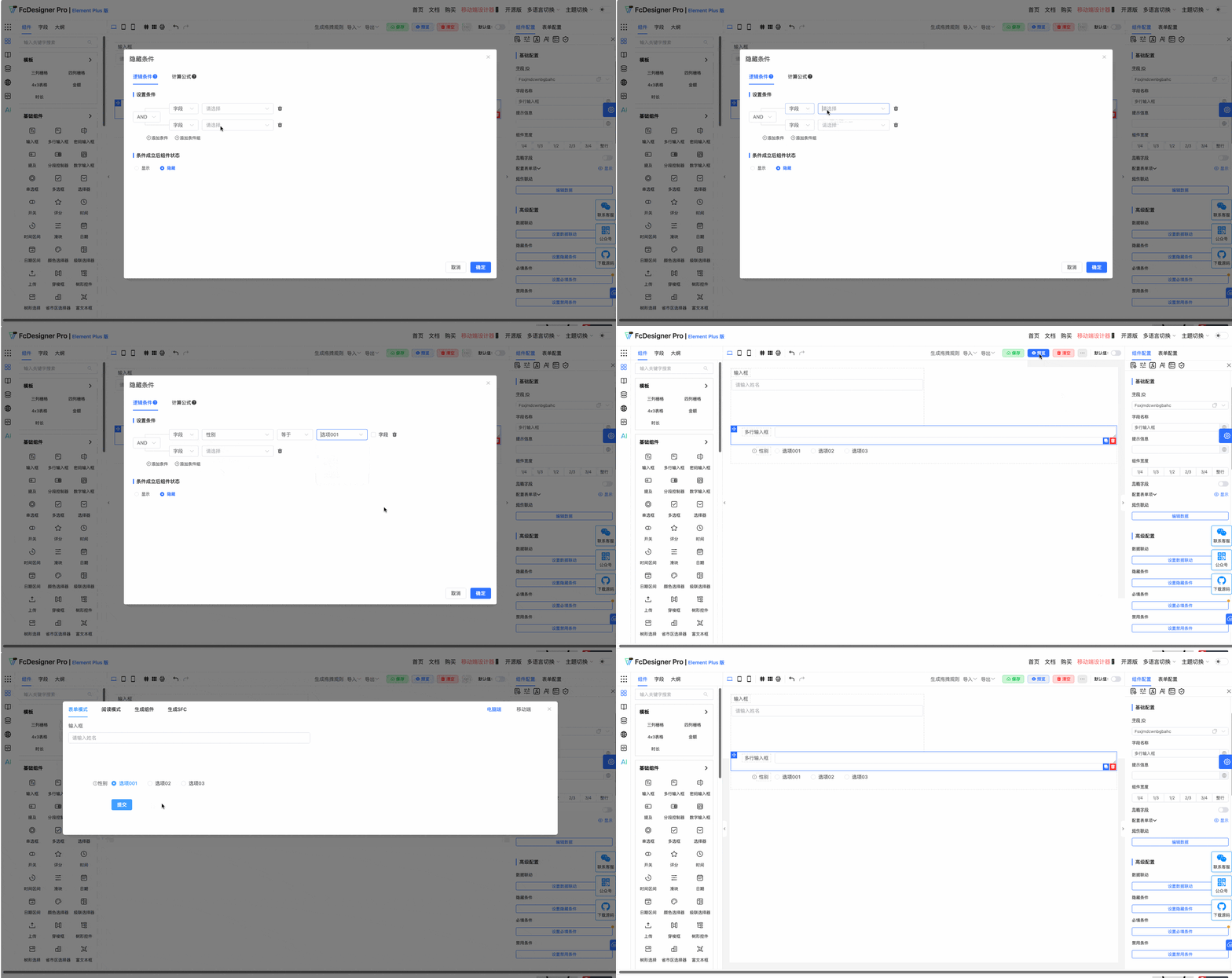
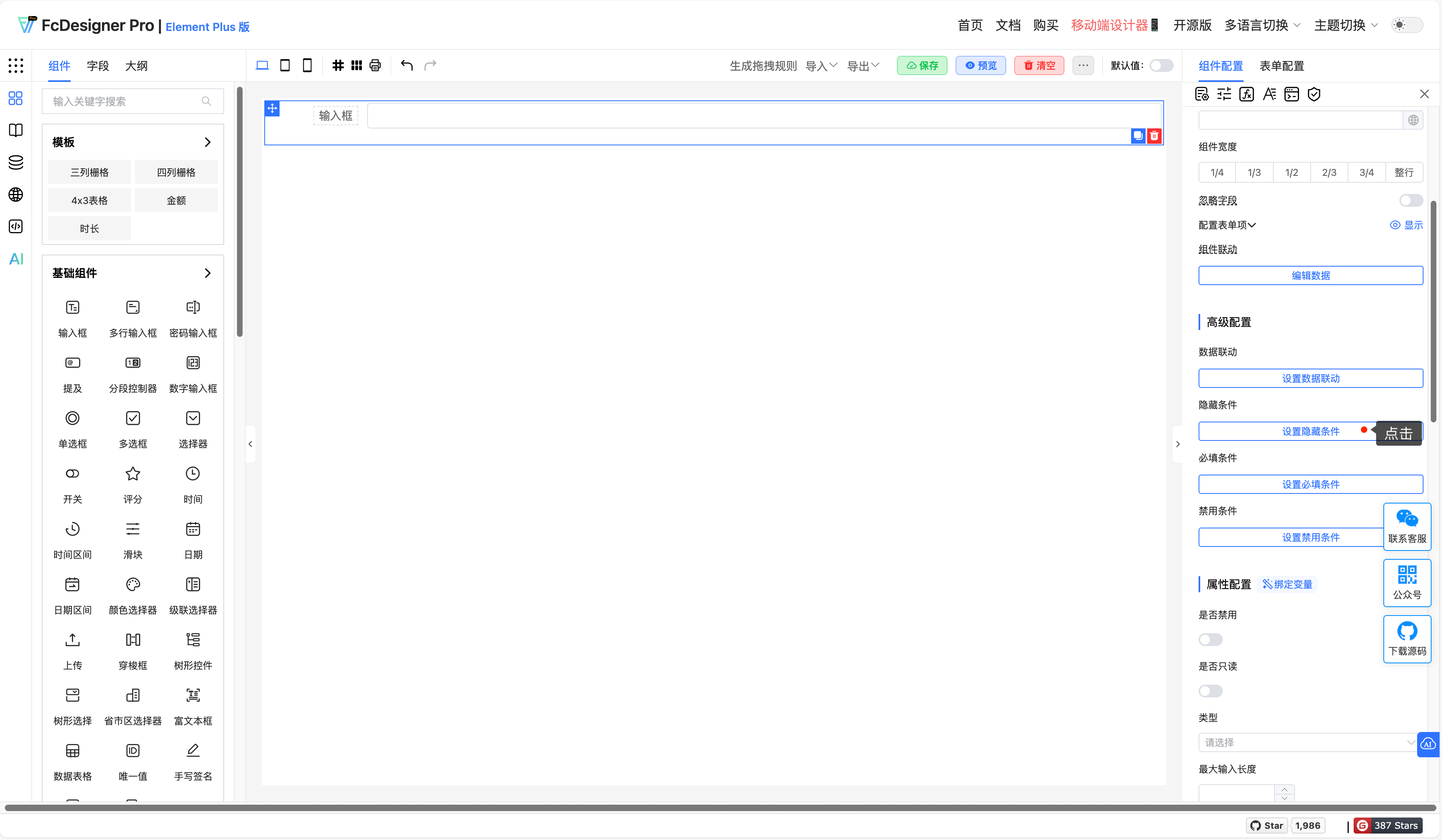
For the following fields, after selecting a field, set "Hide Condition" in "Component Configuration >> Advanced Configuration":
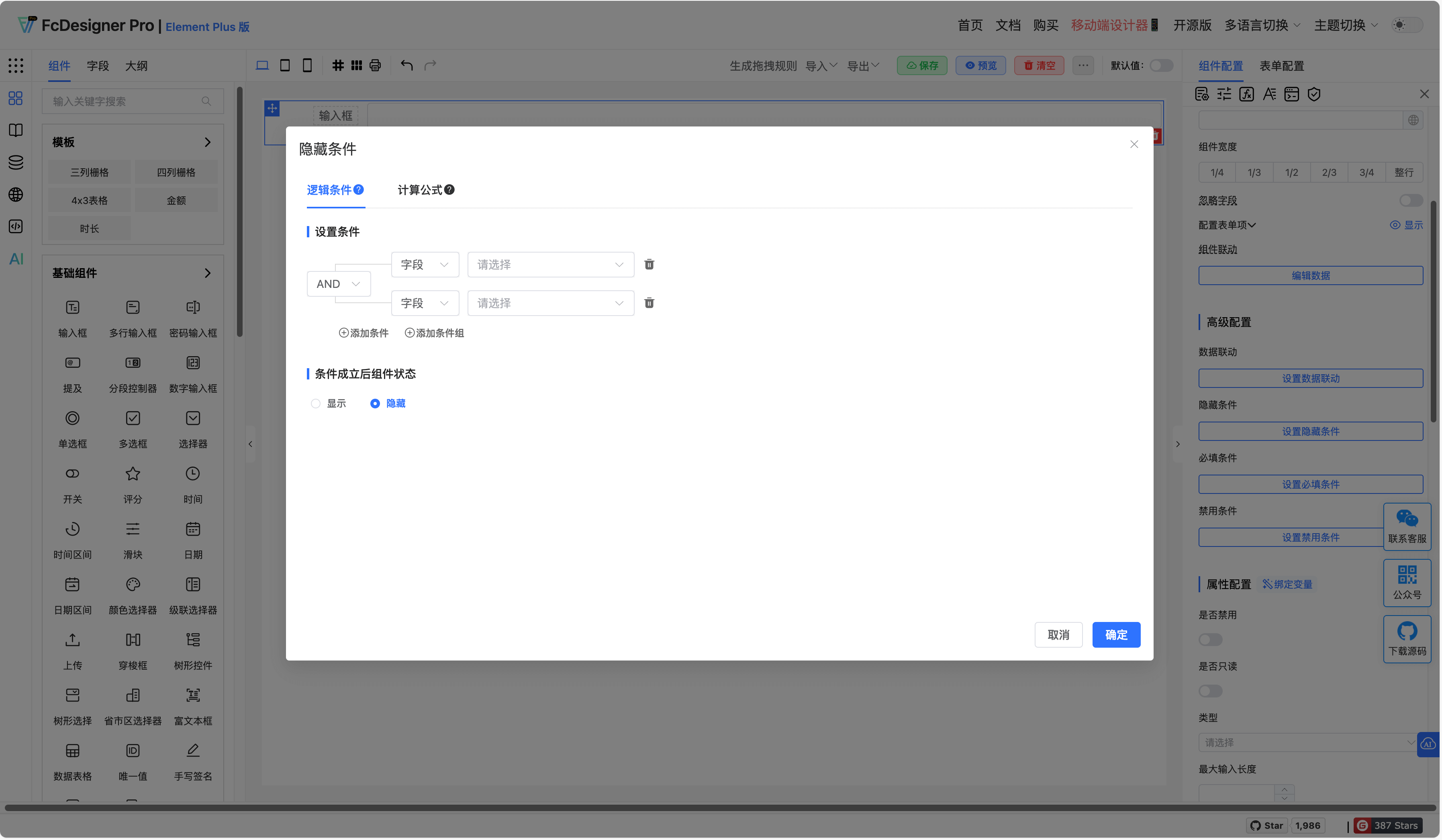
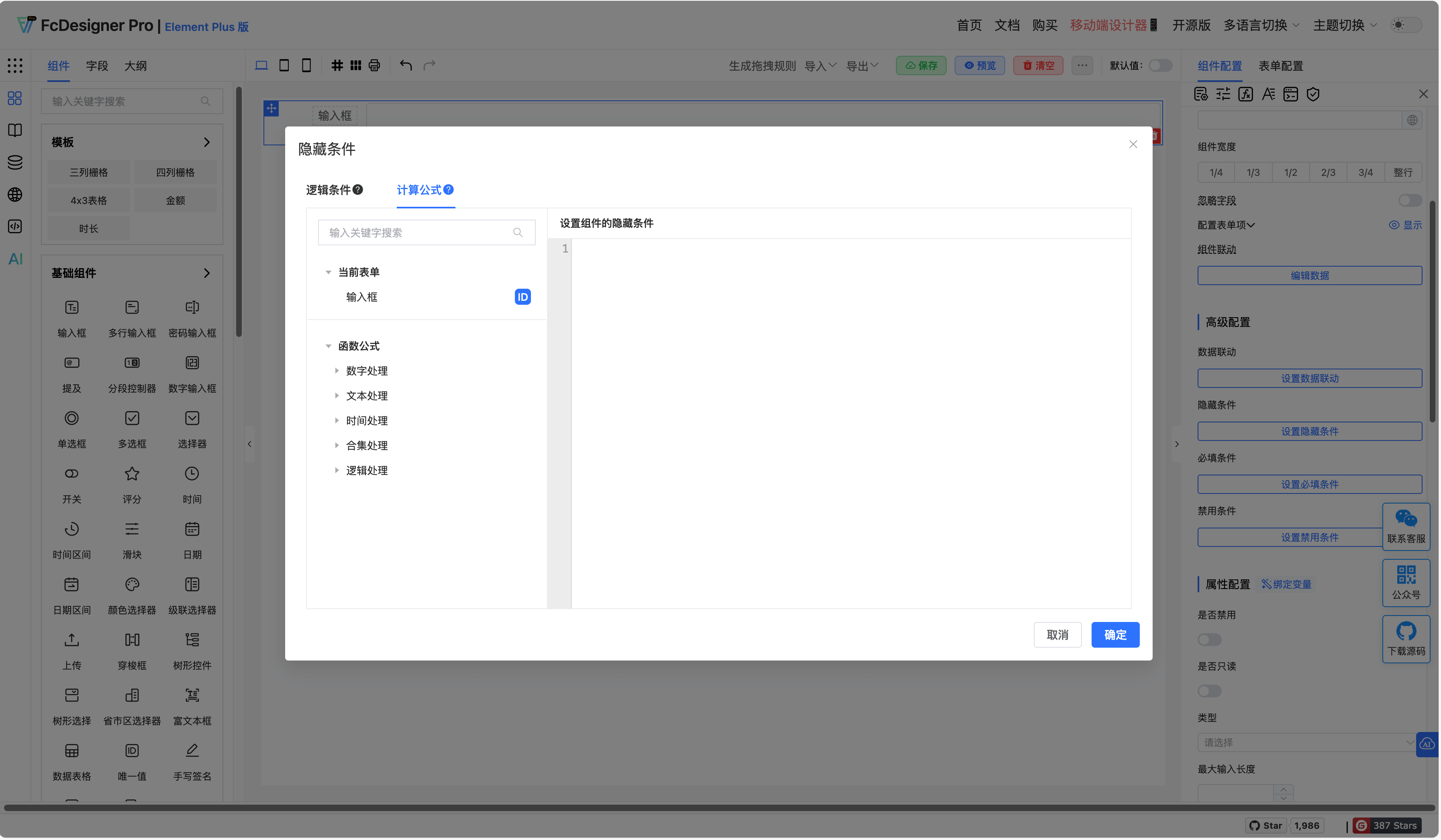
After clicking hide condition, the hide condition configuration dialog opens;
When conditions are met, this field can be set to hide/show.
4. Supported Fields
Fields that support setting "Data Linkage" include: Input Box, Textarea, Password Input, Mention, Segmented Controller, Number Input, Radio Button, Checkbox, Select, Switch, Rating, Time, Time Range, Slider, Date, Date Range, Color Picker, Cascader, Upload, Transfer, Tree, Tree Select, Province-City-District Picker, Rich Text Editor, Unique Value, Handwritten Signature, Calculation Formula, Sub-form Selector, Slot Area, Dynamic Area
5. Examples
Example 1:
During user registration, if "Individual User" is selected, hide fields such as "Company Name" and "Business License Number"; if "Enterprise User" is selected, hide the "Personal ID Number" field and show enterprise-related fields.
Example 2:
When users select "Express Delivery", show fields such as "Delivery Address" and "Contact Information"; if "Store Pickup" is selected, hide these fields and show the "Pickup Store" selection box.
Example 3:
In insurance application forms, if users select "Has Medical History", show fields such as "Medical History Details" and "Treatment Status"; if "No" is selected, hide these fields.