Built-in Groups and Components
Complete list of all groups and components in the designer. Use it to find component identifiers and group IDs when extending drag rules or customizing logic. PC and mobile configurations are listed separately.
Built-in Component Groups
| Group Name | Group ID |
|---|---|
| Basic Components | main |
| Sub-form Components | subform |
| Container Components | container |
| Auxiliary Components | aide |
| Layout Components | layout |
Built-in Components
| Component Name | Component Identifier (name) |
|---|---|
| Input | input |
| Textarea | textarea |
| Password | password |
| Counter | inputNumber |
| Radio | radio |
| Checkbox | checkbox |
| Select | select |
| Switch | switch |
| Rating | rate |
| Time | timePicker |
| Time Range | timeRange |
| Slider | slider |
| Date | datePicker |
| Date Range | dateRange |
| Color Picker | colorPicker |
| Cascader | cascader |
| Upload | upload |
| Transfer | elTransfer |
| Tree | tree |
| Tree Select | elTreeSelect |
| Rich Text Editor | fcEditor |
| Data Table | dataTable |
| Sub-form | group |
| Group | subForm |
| Step Form | stepForm |
| Calculation | fcValue |
| Table Form | tableForm |
| Nested Form | nestedTableForm |
| Infinite Form | infiniteTableForm |
| Alert | elAlert |
| Button | elButton |
| Text | text |
| Paragraph | paragraph |
| HTML | html |
| Divider | elDivider |
| Tag | elTag |
| Link | elLink |
| Tooltip | elTooltip |
| Watermark | elWatermark |
| Slot Component | fcSlot |
| Grid Layout | fcRow |
| Table Layout | fcTable |
| Flex Layout | fcFlex |
| Tabs | elTabs |
| Spacing | space |
| Card | elCard |
| Collapse | elCollapse |
| Descriptions | elDescriptions |
| Dialog | fcDialog |
| Drawer | fcDrawer |
| Three-Column Grid | col3 |
| Four-Column Grid | col4 |
| Four-Row Three-Column Table | table43 |
| Amount | chineseAmount |
| Duration | duration |
Built-in Components - Mobile
| Component Name | Component Identifier (name) |
|---|---|
| Input | input |
| Textarea | textarea |
| Password | password |
| Number Input | stepper |
| Radio | radio |
| Checkbox | checkbox |
| Select | select |
| Switch | switch |
| Rating | rate |
| Time | timePicker |
| Date | datePicker |
| Cascader | cascader |
| Calendar | calendar |
| Calendar Range | calendarRange |
| Slider | slider |
| Upload | uploader |
| Calculation | fcValue |
| Sub-form | group |
| Group | subForm |
| Step Form | stepForm |
| Table Form | tableForm |
| Notice | vanNoticeBar |
| Button | vanButton |
| Text | text |
| HTML | html |
| Divider | vanDivider |
| Tag | vanTag |
| Icon | vanIcon |
| Slot Component | fcSlot |
| Grid Layout | fcRow |
| Table Layout | fcTable |
| Flex Layout | fcFlex |
| Tabs | vanTabs |
| Spacing | space |
| Collapse | vanCollapse |
| Cell Group | vanCellGroup |
| Three-Column Grid | col3 |
| Amount | chineseAmount |
| Popup | fcPopup |
View Component Identifiers
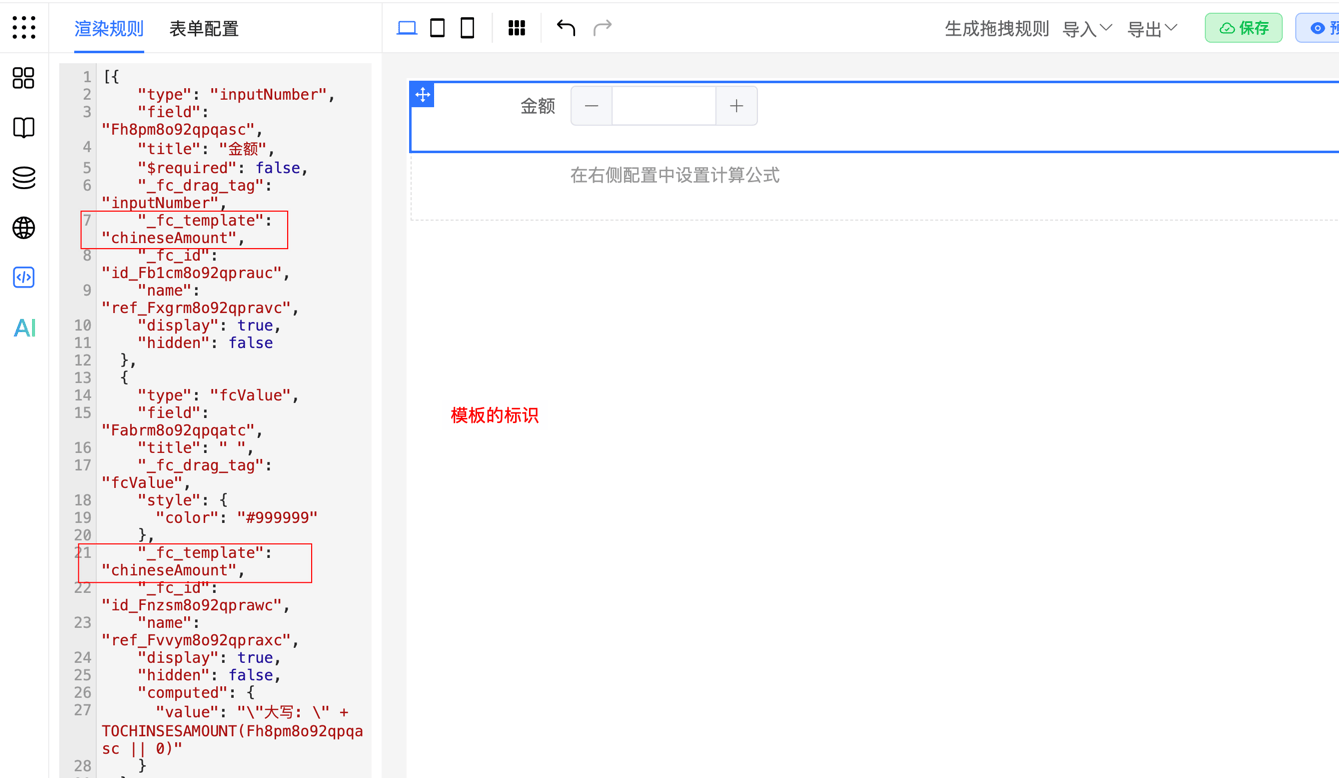
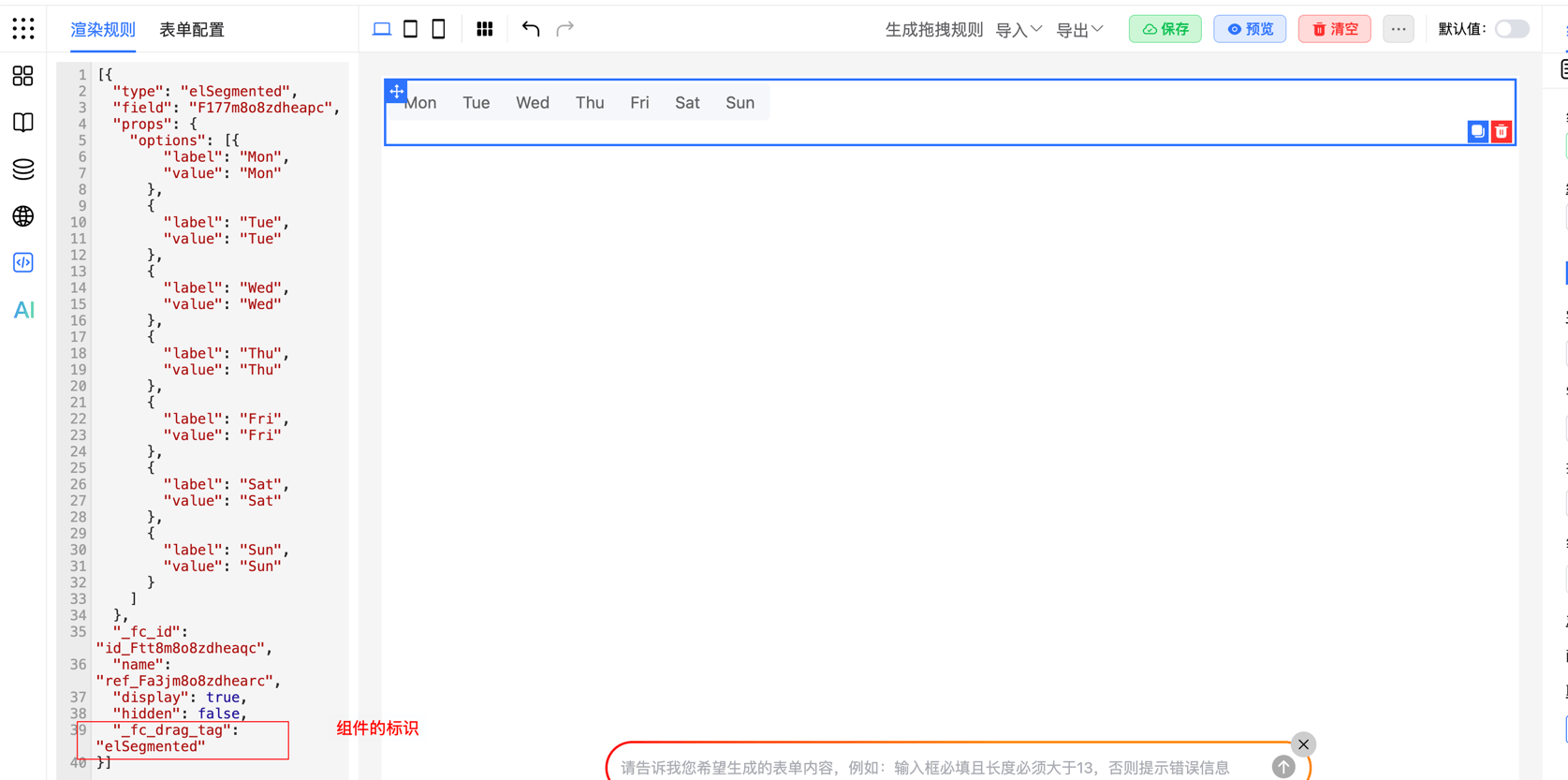
First, let's explain how to view component/template identifiers
- Clear the current form and drag out the target component/template separately to view its unique identifier.
- Locate the component's configuration rules in the JSON panel.
View component identifier:
View template identifier: