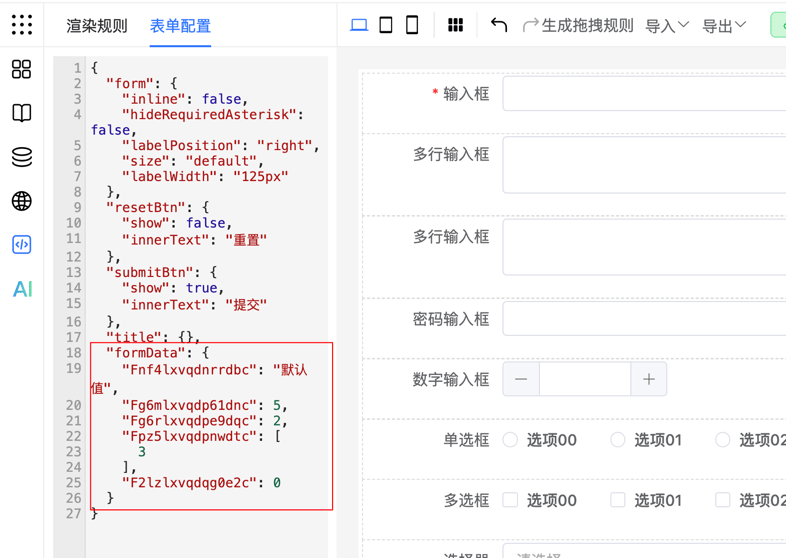
Form Default Values
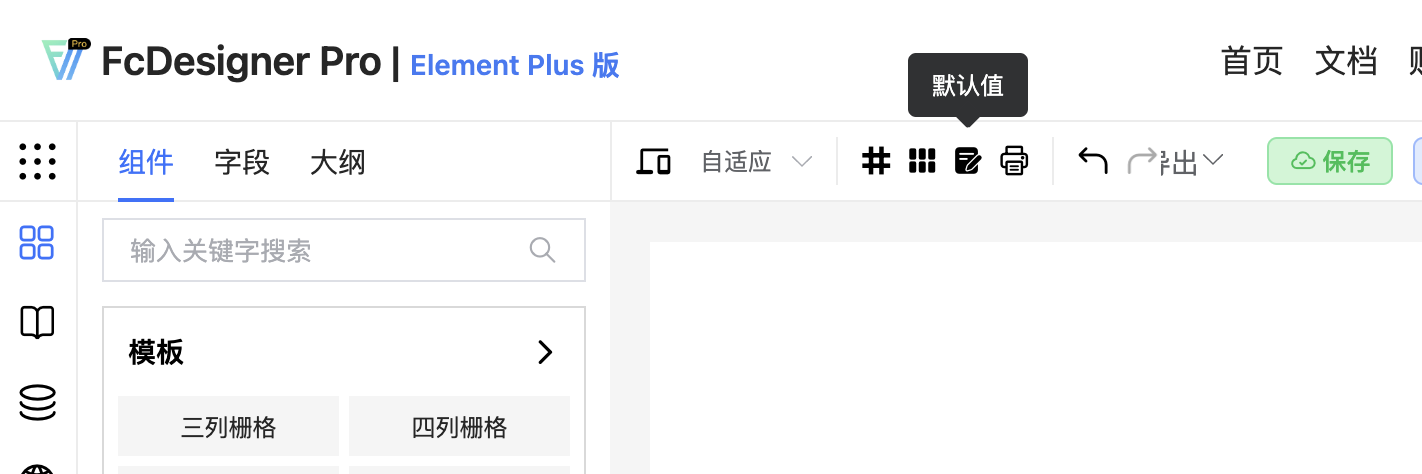
Configure form default values in the designer: click the "Default Values" toggle in the top-right corner to switch to form data entry mode.
After enabling, enter data directly in the form in the middle area
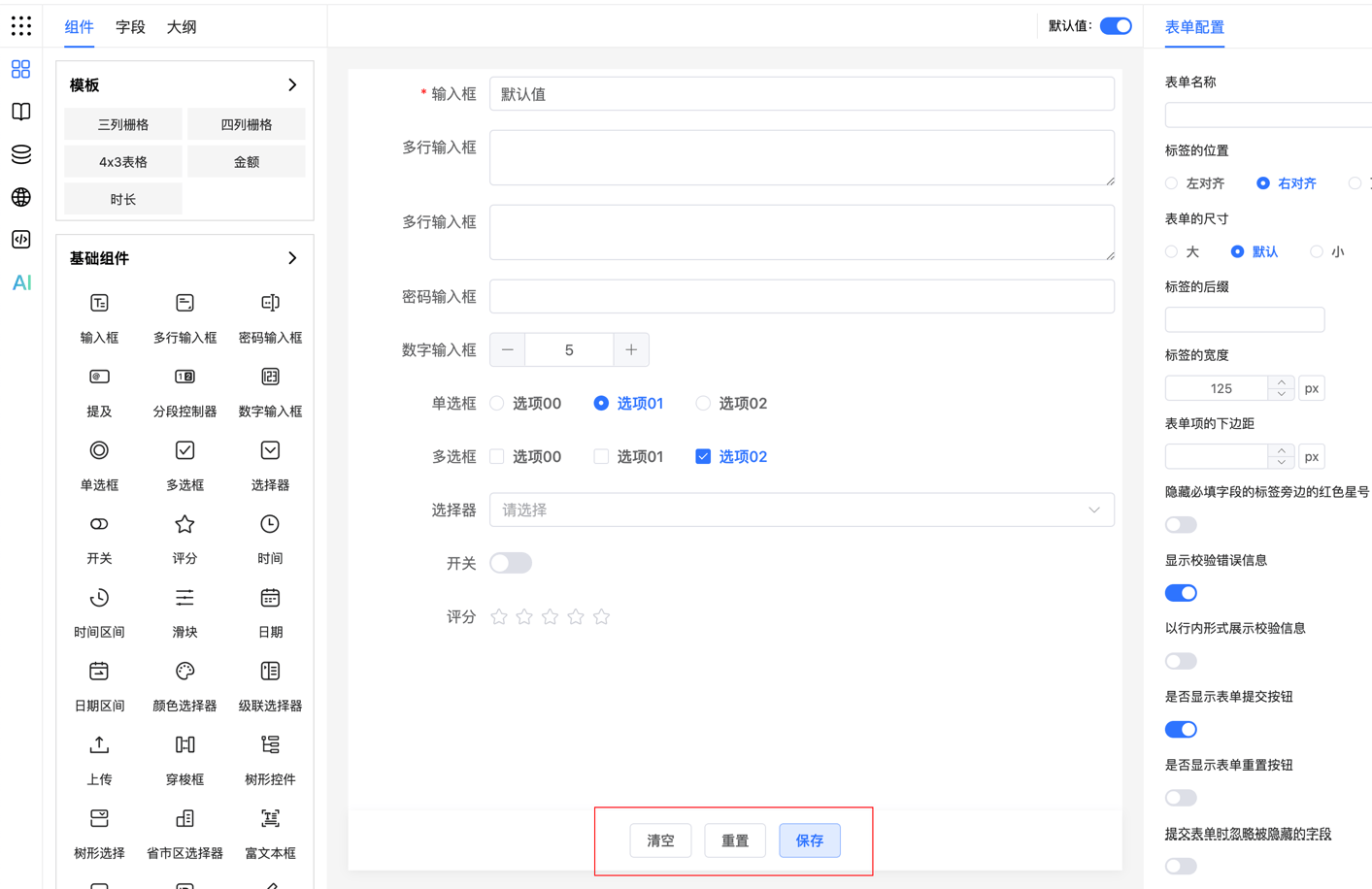
Clear: Clear all default values with one click, restoring the form to a state without default data
Reset: Reset the form's default values to the preset initial state
Save: Save the currently set default values for use when the form is rendered next time
After saving, view the default value data in the JSON panel